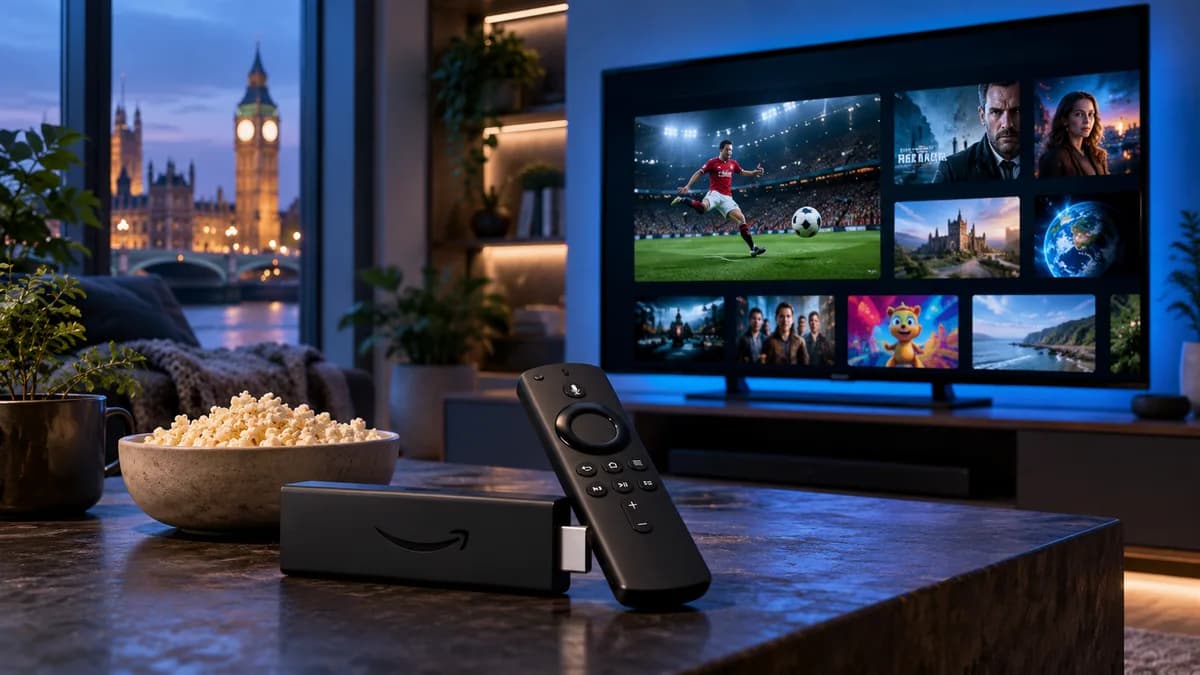
4K — also called Ultra HD — has four times as many pixels as Full HD. On a 55-inch or larger TV the difference is obvious: sharper grass on a football pitch, finer detail in faces, crisper text on scoreboards. But 4K IPTV only works when your TV, device, cable and broadband all support it. Miss one, and you get an HD picture labelled 4K.
What is 4K IPTV?
4K IPTV is a live or on-demand stream delivered over the internet at 3840 × 2160 resolution, usually with HDR (High Dynamic Range) for brighter highlights and richer colour. Because it carries so much more detail, it needs a faster, steadier connection than HD.
What you need for true 4K streaming
1. A 4K TV or projector
Most TVs sold in the UK since around 2017 are 4K. Check the model number online if you're not sure. HDR support (HDR10, HLG or Dolby Vision) is a bonus — HLG is the format UK broadcasters use most for live sport.
2. Fast, stable broadband
Fibre broadband is ideal. More important than the headline speed is stability: a line that holds 30 Mbps all evening beats one that bursts to 100 Mbps and drops to 10 at peak time.
3. A 4K-capable streaming device
Your device must decode 4K and HDR. Good choices include the Fire TV Stick 4K or 4K Max, Apple TV 4K, Nvidia Shield and Google TV Streamer. Built-in Smart TV apps can also play 4K, though performance varies by model.
Internet speed requirements
| Picture quality | Speed per screen | Data per hour (approx.) |
|---|---|---|
| SD | 3–5 Mbps | 1–2 GB |
| Full HD | 8–10 Mbps | 3–4 GB |
| 4K Ultra HD | 25 Mbps | 7–10 GB |
If two people stream 4K at once, you need roughly 50 Mbps spare. Run a speed test on the streaming device itself, not on your phone next to the router.
How to set up 4K IPTV step by step
- Connect your device to an HDMI port on the TV marked 4K, HDCP 2.2 or ARC/eARC (often HDMI 1 or 2).
- In the device's display settings, set resolution to 4K/2160p and enable HDR or "Adaptive" mode.
- Install a player app such as TiviMate or IPTV Smarters.
- Sign in with your details and look for channels or groups labelled 4K or UHD.
- Use a wired Ethernet connection if you can, or the 5 GHz Wi-Fi band.
TV settings that matter
- Picture mode: choose Filmmaker, Cinema or Calibrated for films; Standard or Sport for football. Avoid "Vivid" — it crushes detail.
- Motion smoothing: reduce it for films; a little helps fast sport.
- HDMI enhanced format: many TVs (Samsung "Input Signal Plus", LG "HDMI Ultra HD Deep Colour") must have this switched on for 4K HDR.
4K vs HD — is the difference worth it?
On TVs of 50 inches and above, viewed from a normal sofa distance, yes — especially for sport and nature programmes. On smaller screens or from far away, a good Full HD stream looks very similar. If your broadband struggles, a stable HD picture is always better than a 4K stream that buffers. Our buffering guide explains how to get the most from your connection.
Try 4K at home
Every iBest UK IPTV plan includes 4K where the broadcaster provides it, with no surcharge. The easiest way to check whether your setup can handle it is the free 24-hour trial — watch a 4K channel at peak time and see for yourself.