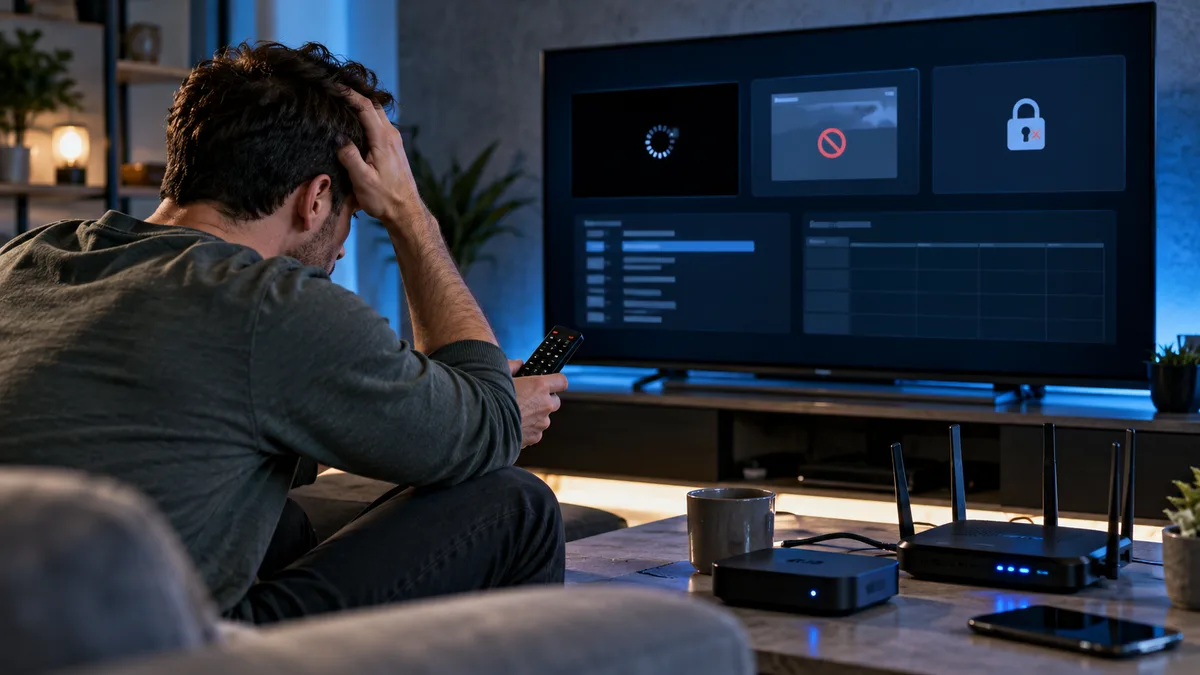
Few things are more frustrating than a stream freezing just as a goal is scored. The good news: most IPTV buffering comes from a handful of causes you can fix yourself.
Why does IPTV buffering happen?
The player keeps a small reserve of video (the buffer). If data arrives slower than it plays, the buffer empties and the picture freezes. That happens when:
- Wi-Fi is weak or congested — the most common cause.
- The device is struggling — low memory, overheating or too many apps open.
- Your broadband is congested — other people downloading, gaming or streaming.
- Your ISP is slowing streaming traffic at busy times.
- The provider's server is overloaded — common with oversold, cheap services.
Quick fixes (try these first)
- Restart your router and streaming device (unplug for 30 seconds).
- Close other apps and pause downloads on other devices.
- Switch to a different quality version of the channel (HD instead of 4K).
- Clear the player app's cache.
- Try a second player app to rule out an app problem.
Wired vs Wi-Fi: the biggest fix
Wi-Fi signals are weakened by walls, floors, microwaves and neighbours' networks. An Ethernet cable — or an Ethernet adapter for Firestick — removes most of these problems. If cabling isn't possible:
- Use the 5 GHz band rather than 2.4 GHz.
- Move the router higher and away from the TV cabinet.
- Consider a mesh Wi-Fi system or powerline adapters.
Causes and fixes at a glance
| Symptom | Likely cause | Fix |
|---|---|---|
| Buffers on every channel | Wi-Fi or device | Ethernet, restart device |
| Only in the evening | Congestion / ISP | Wired connection, try VPN |
| Only 4K channels | Not enough speed | Use HD versions |
| One channel only | Source issue | Report to support |
| After an app update | App bug | Clear cache, backup app |
When the provider is the real cause
If you're on Ethernet, other streaming services work fine, and every channel still freezes at peak time, the provider's servers may be oversold. A good provider will investigate when you report the channel and time. That's also why a free trial at peak time is so valuable before buying. Read what makes IPTV fast.
Extra tips
- In TiviMate, increase the buffer size (Settings → Playback).
- Turn off "Match frame rate" if you see a black screen when channels start.
- Keep your device cool and ventilated.
- Check ISP throttling with a VPN.
Is IPTV legal in the UK?
The technology is legal; what matters is whether the content is licensed. See Is IPTV legal in the UK?
Final thoughts
Start with the free fixes: restart, go wired, close background apps. Most buffering disappears. If it doesn't, message support with the channel name and time and we'll take a look.