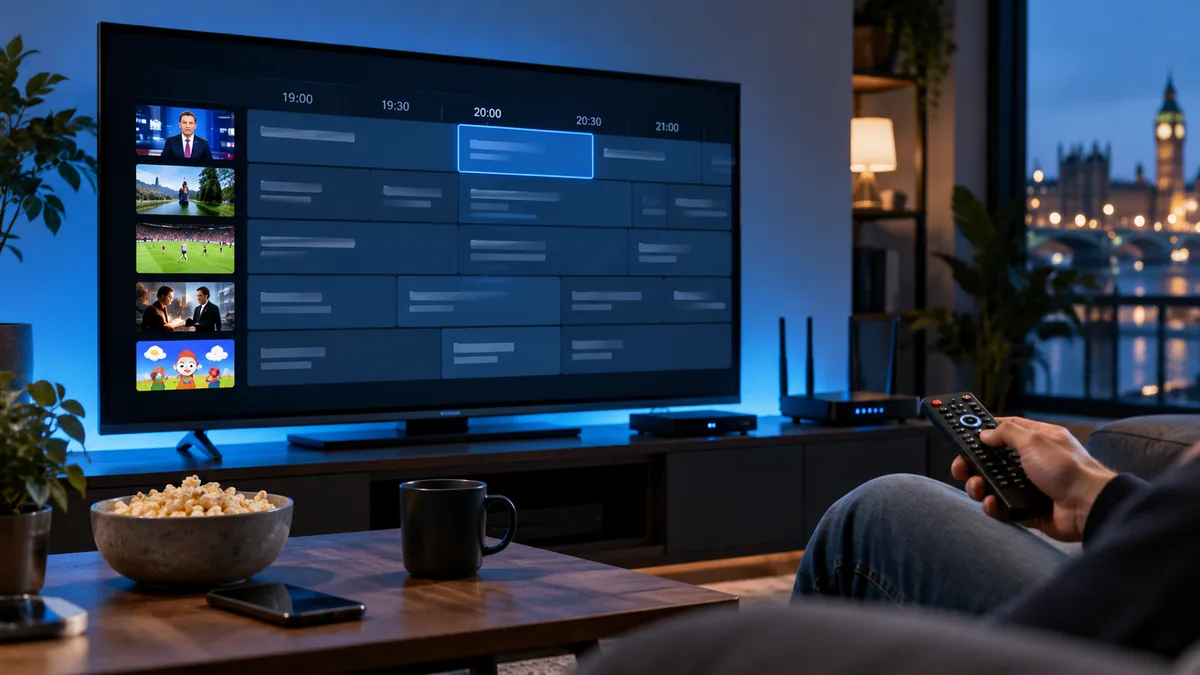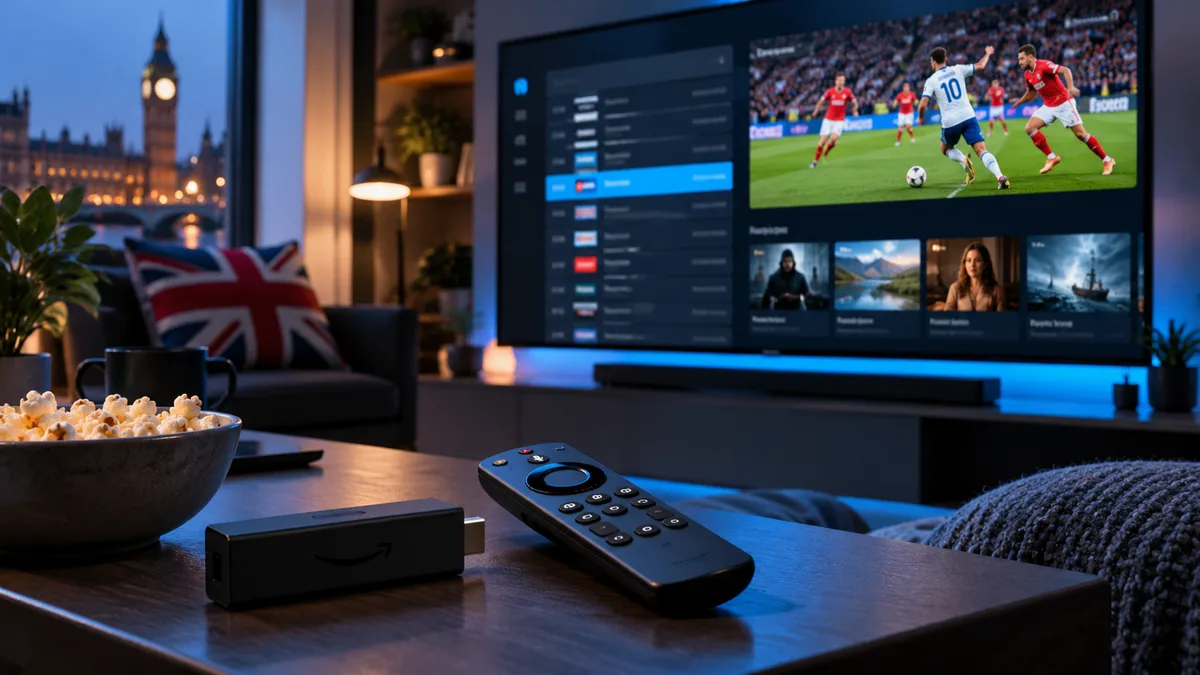
TiviMate is the favourite IPTV player of many UK enthusiasts because it looks and behaves like a traditional pay-TV box, with a full programme guide on screen.
What is TiviMate?
An IPTV player for Android TV, Google TV and Fire TV. It connects to your subscription via Xtream Codes or M3U and shows channels in a TV-style grid guide.
Why it's so popular
1. A television-first interface
Designed for a remote control, not a touchscreen.
2. A proper built-in guide
A full grid guide with channel logos and programme details. See EPG setup.
3. Recording, catch-up and rewind (Premium)
Record to device or USB storage and use catch-up on supported channels. See recording.
4. Multiple playlists and groups
Combine playlists, hide groups and create favourites lists per person.
5. Smooth playback
Fast channel switching and adjustable buffer size.
TiviMate on Firestick
The most popular setup in the UK:
- Install Downloader and allow it to install unknown apps — see the Firestick guide.
- Use Downloader to install TiviMate from its official source (on Android TV/Google TV it's on the Play Store).
- Open TiviMate → Add playlist → Xtream Codes.
- Enter your server URL, username and password.
- Tick the groups you want, then finish. The guide loads automatically.
Useful settings
| Setting | Recommendation |
|---|---|
| Buffer size | Medium or Large if you see stutters |
| Start on | Last channel or Favourites |
| EPG update | Every 24 hours |
| Parental control | Set a PIN and lock adult groups |
TiviMate vs other players
| TiviMate | IPTV Smarters | Smart TV players | |
|---|---|---|---|
| Guide | Excellent grid | Good | Varies |
| Films & series | Basic | Excellent | Varies |
| Recording | Premium | Limited | Varies |
| Platforms | Android/Fire TV | Almost all | Samsung/LG |
See our best Firestick apps.
Get TiviMate-ready
All iBest UK IPTV plans work with TiviMate. Request a trial login and set it up in under five minutes.