Many channels and films carry more than one audio track: different languages, audio description or surround-sound versions. If your player chooses the wrong one, you might hear a foreign language — or nothing at all.
What is an audio track?
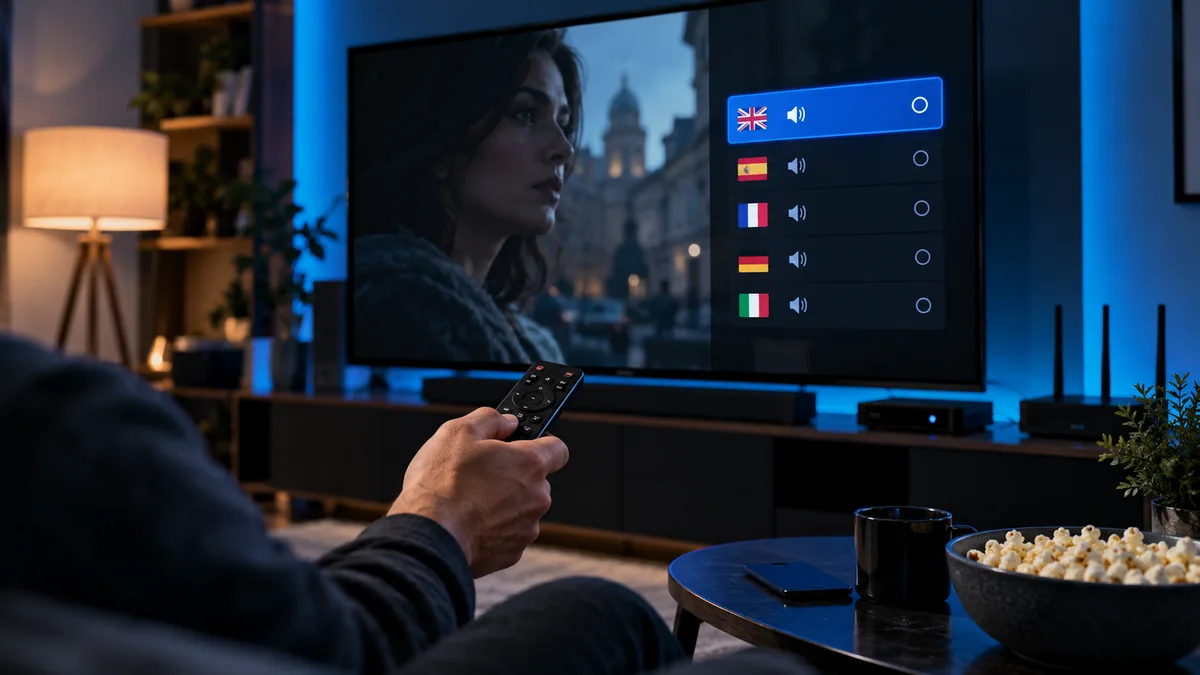
A video stream can contain several audio streams alongside the picture. Your player chooses one to play. Tracks differ by language (English, French, Arabic…), format (stereo AAC, Dolby Digital AC-3, E-AC-3) and purpose (main audio, audio description for visually impaired viewers, commentary).
Why streams carry multiple tracks
International channels broadcast in several languages; films often include original and dubbed audio; sports may have different commentary teams; and UK broadcasters provide audio description on many programmes.
Where to find the audio track selector
Smarters-style players
During playback, press OK or tap the screen, then select the audio/speaker icon or Tracks. Choose your language.
TiviMate
Press OK during playback → Audio track (or long-press OK on some remotes). TiviMate remembers your choice per channel.
Desktop and Smart TV players
In VLC: Audio → Audio Track. On Smart TV players such as IBO, open the playback menu and look for Audio or Language.
Setting a default language
Most players have a preferred-language option in Settings → Player or Settings → Audio. Set it to English (or your preferred language). Where the stream labels its tracks, the player will choose that language automatically.
When the wrong track causes silence
If you see the picture but hear nothing:
- Switch tracks — try each one.
- Change audio output in the app to "PCM" or "Stereo" instead of "Passthrough"/"Bitstream", especially with older soundbars.
- Check your device's sound settings (Fire TV: Settings → Display & Sounds → Audio → Surround Sound → Best Available or Stereo).
- Try a different player — some handle certain formats better.
Audio formats you'll see
| Label | Format | Notes |
|---|---|---|
| AAC / MP2 | Stereo | Plays on everything |
| AC-3 | Dolby Digital 5.1 | Needs a decoder or passthrough to soundbar |
| E-AC-3 | Dolby Digital Plus | Common on 4K sport and films |
| AD / Audio description | Narrated | Describes on-screen action |
Audio out of sync?
Most players have an audio delay setting (in milliseconds). Adjust in small steps until speech matches lips. Turning off "Match frame rate" on some devices also fixes sync issues.
Audio and subtitles together
Subtitles are selected in the same menu as audio tracks, under Subtitles or CC. Not every stream carries subtitles; on-demand films are more likely to have them than live channels.
Getting the audio right
Set a default language once, choose PCM output if you have sound problems, and keep a second player installed for tricky streams. Still stuck? See IPTV not working or message our support team.