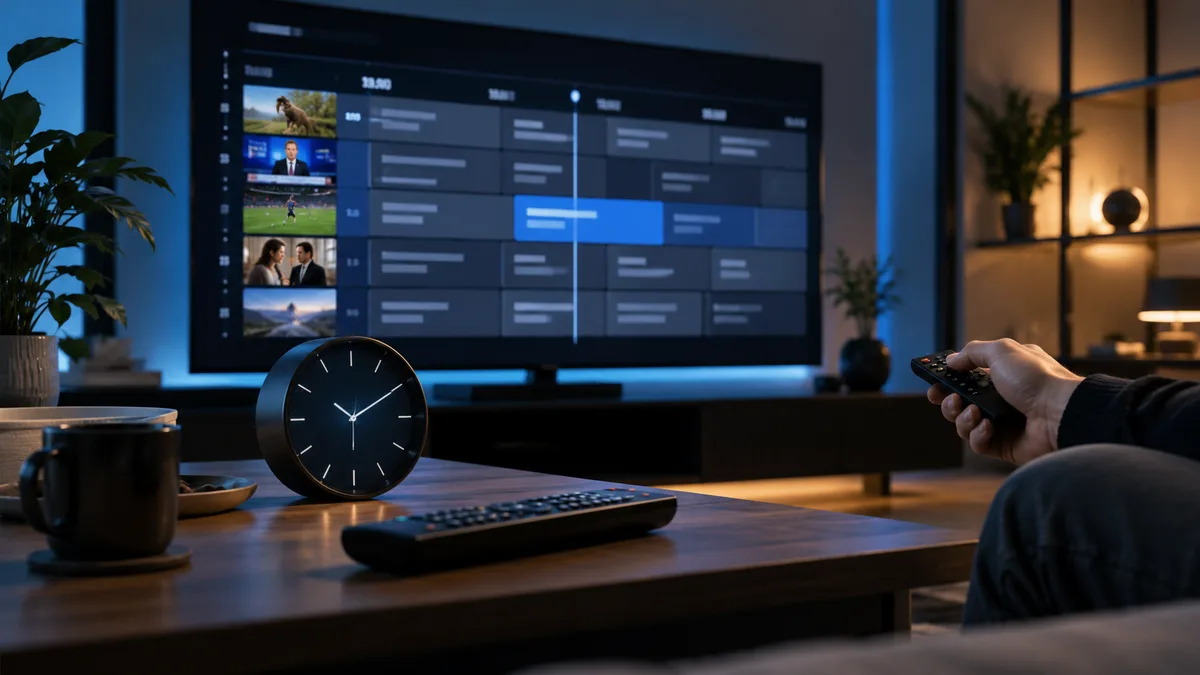
The EPG — electronic programme guide — is the grid showing what's on now and next. In IPTV it also powers catch-up and recording, so it's worth getting right.
What is an EPG?
It's schedule data, usually in a format called XMLTV, that lists programmes for each channel by time. Your player matches it to the channel list using channel IDs.
Three ways IPTV delivers the EPG
1. Through your Xtream Codes login
The easiest option. Apps like IPTV Smarters and TiviMate fetch the guide automatically.
2. As a separate XMLTV URL
Used with M3U playlists. You paste the EPG URL into the app's EPG or "TV guide source" setting.
3. Built into the portal
MAG boxes and portal-based apps load the guide from the portal.
How to set up the EPG step by step
- Sign in with Xtream Codes where possible.
- If using M3U, find the EPG / XMLTV URL in your welcome message.
- In TiviMate: Settings → EPG → Add EPG source. In Smarters: it loads automatically; use Refresh EPG if needed.
- Wait a few minutes for the first download.
- Check the time-zone setting.
Best refresh settings
| Setting | Recommended |
|---|---|
| Update interval | Every 24 hours |
| Update on app start | Off on slow devices |
| Days to keep | 3–7 |
| Time offset | 0 if your device is set to UK time |
Common EPG problems and fixes
1. EPG completely empty
Refresh manually, check the URL, and make sure the device has enough storage.
2. Right programmes, wrong times
Fix the time zone — see IPTV timezone settings.
3. Only some channels have guide data
Some channels (especially event or international channels) don't have schedule data. That's normal.
4. Guide hours behind the live broadcast
Clocks changing between GMT and BST can cause a one-hour shift on some devices. Adjust the offset by +1 or −1.
5. Works on one device but not another
Each app stores the guide separately. Refresh on the device with the problem.
6. Player crashes when opening the guide
Too much data for the device. Reduce days kept and hide unused channel groups.
EPG vs catch-up vs video on demand
| EPG | Catch-up | VOD | |
|---|---|---|---|
| What it is | Schedule | Past programmes from the guide | Library of films/series |
| Needs guide data | — | Yes | No |
See IPTV catch-up.
A clean guide in minutes
Every iBest UK IPTV plan includes guide data for most channels. Try it free.