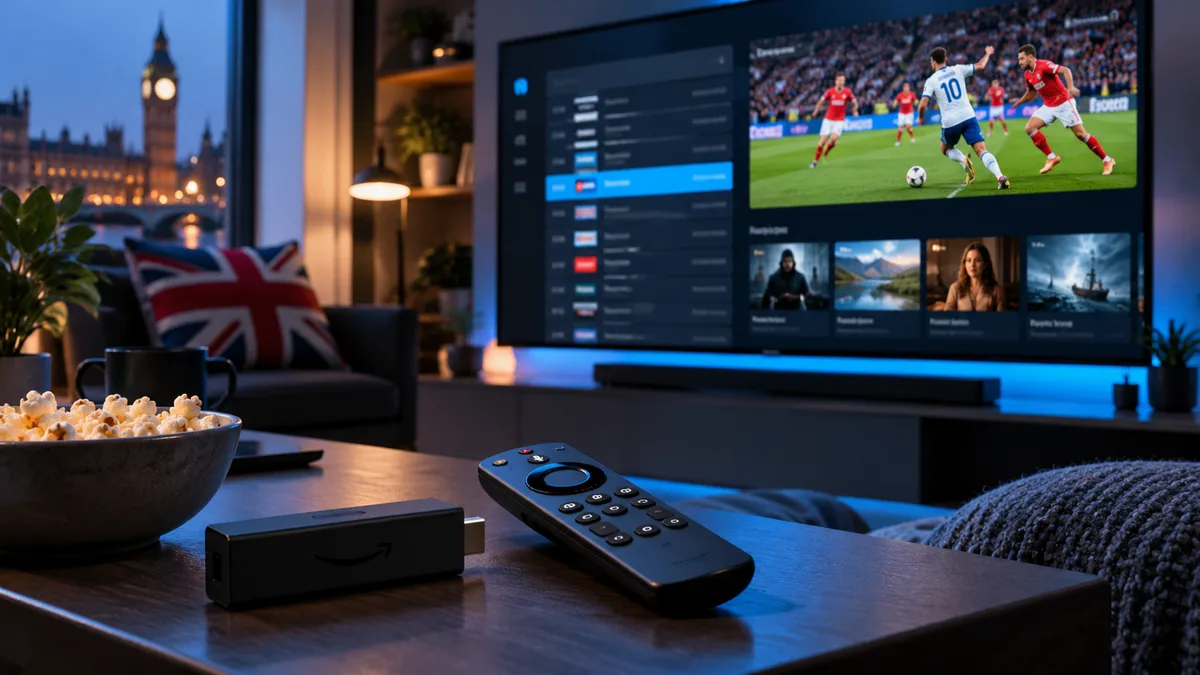
Catch-up turns the TV guide into a time machine. Instead of setting a recording, you scroll back in the programme guide, pick a show and press play.
What is IPTV catch-up?
The provider stores recent broadcasts from supported channels on its servers. Your player app shows them in the electronic programme guide (EPG), and you can stream them on demand, just like BBC iPlayer — but from the live guide itself.
How it works
- A channel is recorded on the provider's servers as it broadcasts.
- The EPG tells your player what was on and when.
- When you select a past programme, the player requests that time window and plays it.
Because it relies on the guide, an accurate EPG is essential.
What you can do with catch-up
1. Rewind a live channel
Join a match late and go back to kick-off.
2. Watch missed programmes
Browse up to a week back in the guide.
3. Pause and resume
On supported channels, pause live TV and pick up where you left off.
4. Start from the beginning
Many players offer "Start over" on a programme already in progress.
Players that support catch-up
| Player | Catch-up support |
|---|---|
| TiviMate | Excellent — from the guide grid |
| IPTV Smarters | Yes — dedicated Catch-up section |
| XCIPTV | Yes |
| MAG portal | Yes, on supported channels |
| VLC | No (no EPG) |
Catch-up on mobile and tablet
Smarters and other mobile players support catch-up in the same way. Use Wi-Fi for longer programmes to save data.
How to set it up
- Sign in with Xtream Codes (catch-up rarely works with plain M3U).
- Make sure the guide has loaded.
- Look for the catch-up icon next to channels.
- Scroll back in the guide, select a programme and choose Play or Watch from start.
If catch-up is missing, refresh the EPG and check the player's time zone — see timezone settings.
Catch-up vs recordings
| Catch-up | Recording | |
|---|---|---|
| Setup | None | Schedule in advance |
| Storage | Provider's servers | Your device or USB |
| Channels | Supported channels only | Any channel you can watch |
| Time limit | Up to ~7 days | Until you delete it |
More detail in our IPTV recording guide.
Never miss a programme again
Catch-up is included with every iBest UK IPTV plan on supported channels. Try it free and scroll back through the guide yourself.