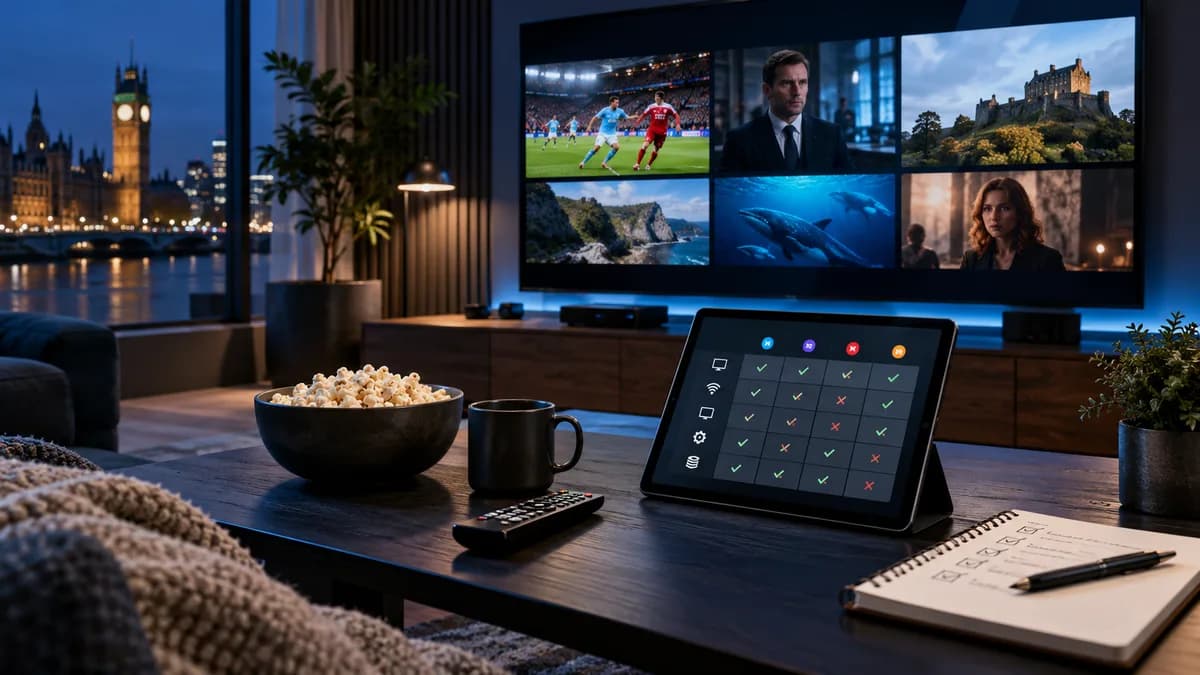
Every home is different. Broadband, Wi-Fi coverage and the device under your TV all affect how an IPTV service performs. That's why a free trial is the most useful step before choosing a provider.
What is an IPTV free trial?
A short period of full or limited access, usually 24–48 hours, so you can try a service on your own setup. A good trial gives you the same channels and features as a paid plan.
Why always use a trial
- Confirms your broadband and device can handle the service.
- Shows real peak-time performance.
- Lets you try different player apps.
- Tests the provider's support before you pay.
What to test during your trial
| Test | When | What good looks like |
|---|---|---|
| Live sport | Saturday afternoon or a midweek evening | No freezing for 30+ minutes |
| Channel switching | Any time | Channels open in 1–3 seconds |
| 4K channel | Evening | Smooth on your main TV |
| TV guide | Any time | Correct programmes and times |
| Catch-up | Next morning | Yesterday's programmes play |
| Films & series | Any time | Organised library, subtitles where offered |
| Support | Any time | A helpful reply within an hour |
Our scorecard for comparing services has more detail.
How to claim a trial
- Message the provider or fill in their form — request an iBest UK IPTV trial.
- Tell them your main device so they send the right instructions.
- Install the app — see our setup guides.
- Sign in, then run the tests above.
Red flags
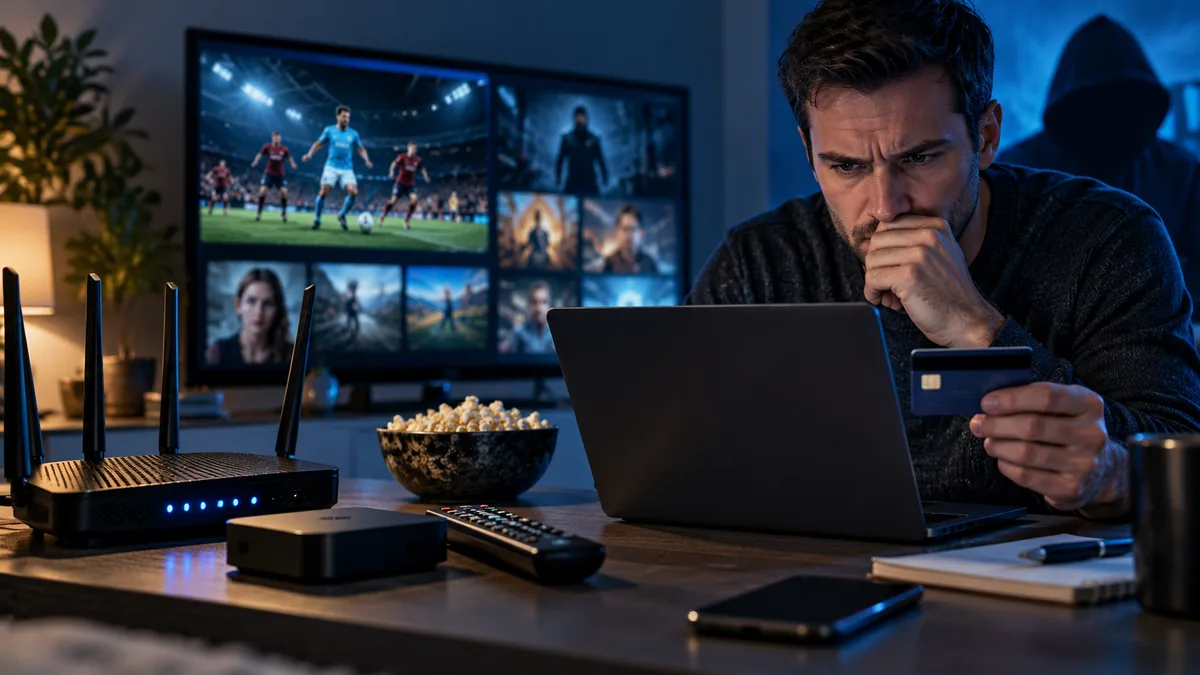
- Trial requires card details and renews automatically.
- No trial at all, but pressure to buy a long plan.
- Trial channels differ from paid channels.
- Support goes silent after you start the trial.
- No website policies or contact details. See IPTV scams.
Is IPTV legal in the UK?
The technology is legal; what matters is whether content is licensed. See Is IPTV legal in the UK?
After the trial
If you're happy, choose a plan. Your trial login can often be upgraded so you don't need to set up again. If it wasn't right, you simply walk away — nothing to cancel.