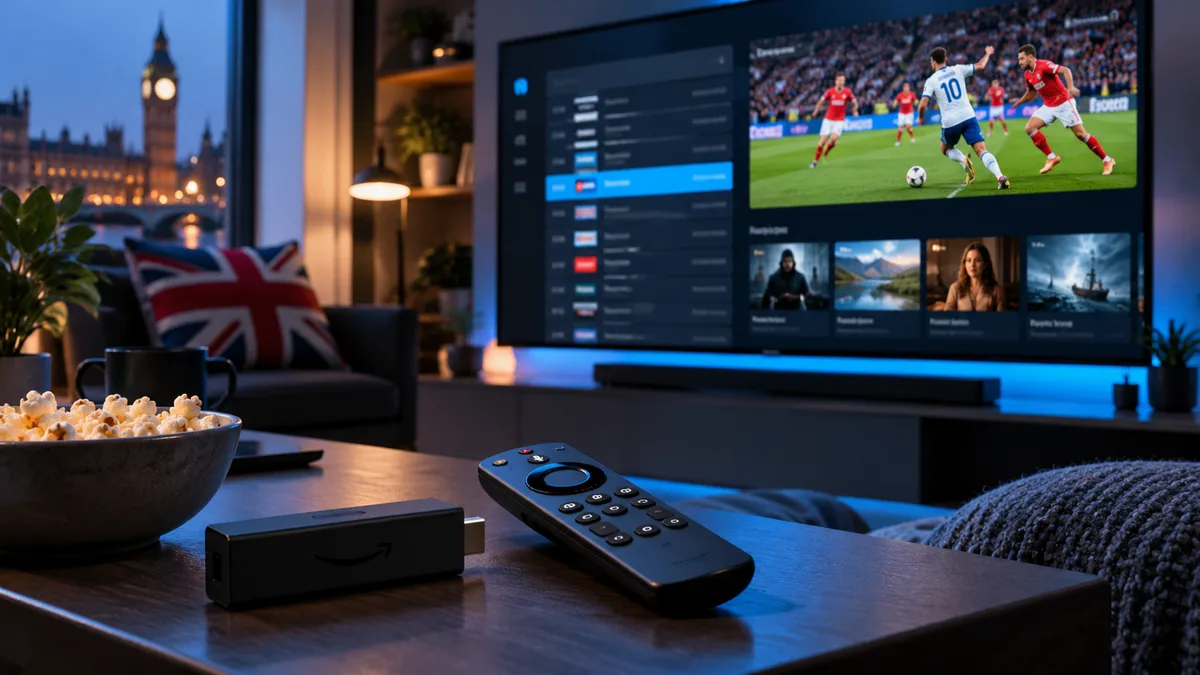
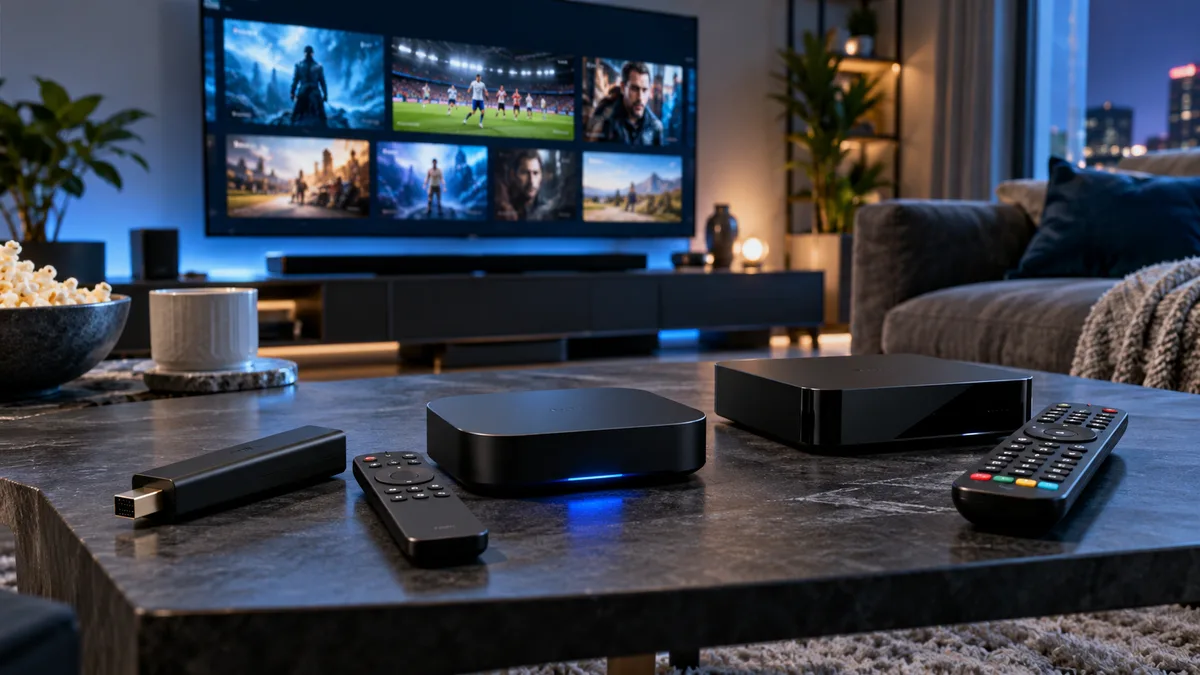
An Android TV box turns any television with an HDMI port into a powerful streaming system. Because Android TV has the widest choice of IPTV apps — including TiviMate, which isn't available on Apple or Samsung platforms — many enthusiasts consider it the best platform for IPTV.
Why use an Android TV box for IPTV?
- App choice: TiviMate, IPTV Smarters, XCIPTV, Kodi and more, mostly from the Google Play Store.
- Performance: good boxes have more memory and faster processors than Smart TVs, so guides load quickly and channels switch smoothly.
- Ethernet: most boxes have a wired network port — the single best fix for buffering.
- Future-proof: if your TV's apps stop being updated, the box keeps working.
Best apps for Android TV box IPTV
| App | Best for | Cost |
|---|---|---|
| TiviMate | TV-style guide, recording, multiple playlists | Free; Premium unlocks extras |
| IPTV Smarters Pro | Simple setup, films and series sections | Free |
| XCIPTV | Lightweight, fast on older boxes | Free |
| Kodi + PVR IPTV Simple Client | Customisation and media centre use | Free |
If you're unsure, start with IPTV Smarters for simplicity and try TiviMate once you're comfortable.
How to set up IPTV on an Android TV box
- Connect the box to your TV with HDMI and plug in Ethernet if possible.
- Update the system: Settings → Device Preferences → About → System update.
- Install your player from the Play Store. Search for the app by name.
- Open the app and add your login. Choose Xtream Codes (server URL, username, password) where offered — it loads live TV, films, series and the TV guide in one go. Otherwise use the M3U URL.
- Load the guide: most apps fetch it automatically; if not, add the EPG URL from your welcome message. See our EPG guide.
- Set favourites for the channels you watch most.
Tips for smooth streaming
- Use Ethernet or 5 GHz Wi-Fi, and keep the box out of a closed cabinet so it doesn't overheat.
- Clear the app cache occasionally (Settings → Apps → your player → Clear cache).
- In TiviMate, set the buffer size to "Medium" or "Large" if you get the occasional stutter.
- Turn off "Match frame rate" if the screen goes black for a second on each channel change — or turn it on if motion looks juddery.
- Restart the box weekly; Android devices benefit from a fresh start.
Is IPTV legal in the UK?
Using an Android box and IPTV player apps is completely legal. What matters is whether the content you watch is licensed. Read our plain-English guide: Is IPTV legal in the UK?
Final thoughts
An Android TV box is one of the best ways to watch IPTV: affordable, fast and endlessly flexible. Pair it with a reliable subscription — you can test iBest UK IPTV free for 24 hours on your box before choosing a plan.