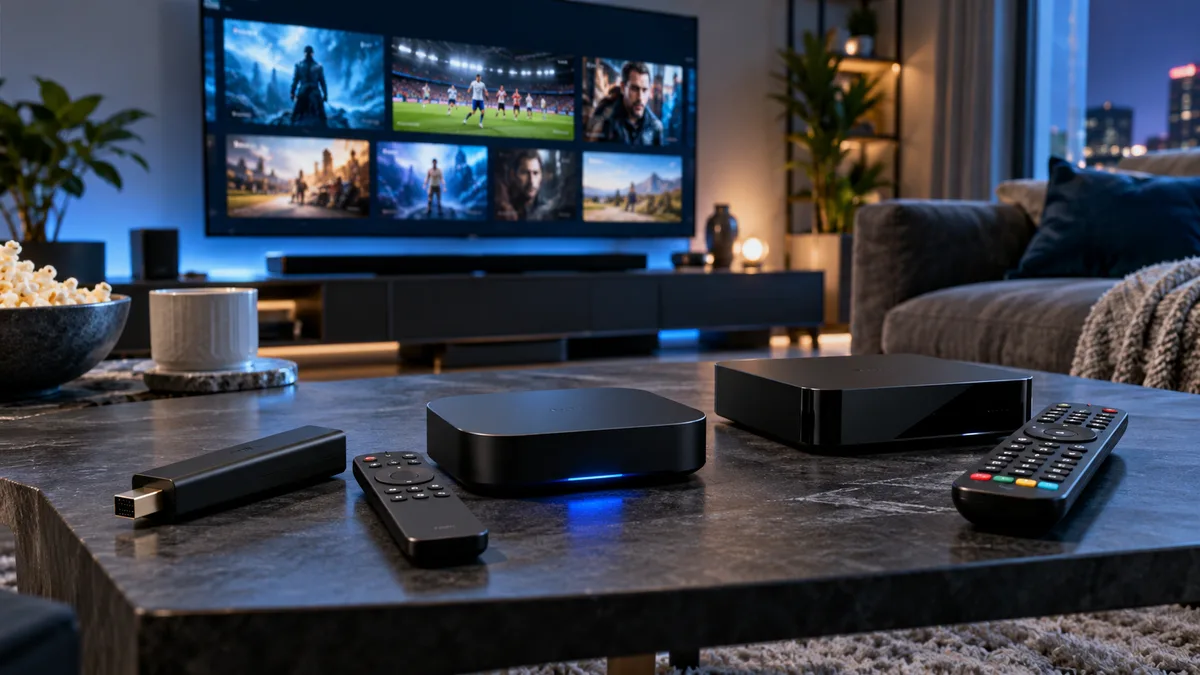
"IPTV stream" usually means watching through an app on a device you already own. "IPTV box" means a dedicated device — a streaming stick, Android box or MAG box. Both use the same subscription.
What is an IPTV stream?
An app on your Smart TV, phone, tablet or computer that plays your subscription's channels.
What is an IPTV box?
A separate device connected to your TV by HDMI, running a player or portal.
Key differences
| App on existing device | Dedicated box | |
|---|---|---|
| Extra cost | None | £30–£200 |
| Speed | Depends on device | Usually consistent |
| App choice | Depends on platform | Wider (especially Android) |
| Portability | Phones, tablets | Box moves between TVs |
| Clutter | None | Another device and remote |
Pros and cons of streaming apps
Advantages
- No extra hardware.
- Works on phones, tablets and laptops.
- Quick to start.
Drawbacks
- Smart TV apps vary in quality.
- Fewer players on some platforms.
- Older TVs may be slow.
Pros and cons of an IPTV box
Advantages
- Faster guides and channel switching.
- Ethernet port for stability.
- Best app choice (TiviMate etc.).
Drawbacks
- Extra cost and another remote.
- Needs occasional updates.
Does the choice affect quality?
The stream itself is the same. What changes is how well the device decodes it and how stable its connection is. A modern box on Ethernet is usually the most consistent.
Which should you choose?
- Recent Smart TV, casual viewing: start with the TV app — see Smart TV guide.
- Sports fan or big channel lists: a Fire TV Stick 4K or Android box — see IPTV box guide.
- Traditional TV feel: a MAG box — see MAG guide.
Final thoughts
Start with what you have; upgrade to a box if it's slow. Try iBest UK IPTV free on both and compare.