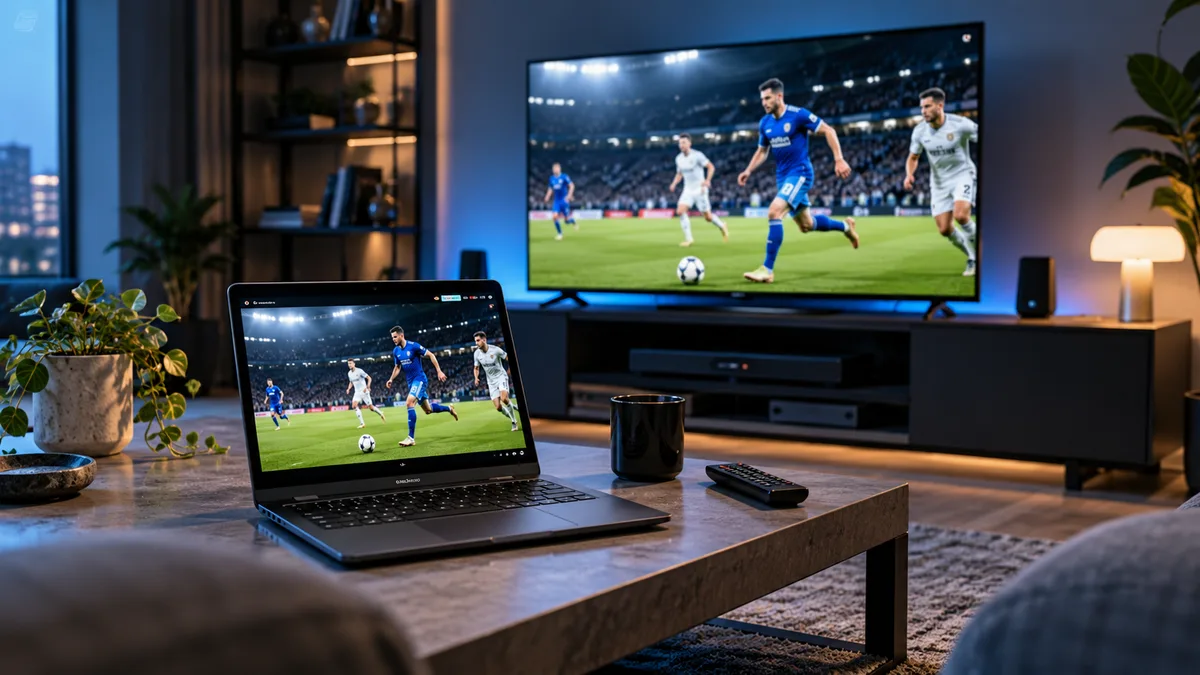
Chromebooks don't run Windows or Mac software, so IPTV setup is a little different. The good news: most can run Android apps, which gives you the same players used on phones and TV boxes.
Why Chromebook setup is different
ChromeOS is built around the browser and Google Play. Desktop players like the Windows version of VLC aren't available, but the Android versions usually are.
Method 1: Android apps (best option)
- Open Settings → Apps → Google Play Store and turn it on.
- Install IPTV Smarters Pro, VLC for Android or another player.
- Open the app and sign in with your Xtream Codes details or M3U URL.
- Resize the window or go full-screen.
Smarters gives you live TV, films, series and the guide. See IPTV Smarters setup.
Method 2: A web player in the browser
Some IPTV web players run in Chrome. They need no installation but may not support every stream format, and some require you to enter your login on a third-party site — only use reputable ones.
Method 3: Linux apps (advanced)
On supported Chromebooks you can enable Linux (Settings → Advanced → Developers) and install desktop VLC. Powerful, but overkill for most people. See VLC for IPTV.
Comparing the three methods
| Method | Ease | Features | Best for |
|---|---|---|---|
| Android apps | Easy | Full guide, films, catch-up | Most users |
| Web player | Very easy | Basic | Quick viewing |
| Linux VLC | Advanced | M3U playback | Tech-savvy users |
Getting the picture on a TV
- HDMI: a USB-C to HDMI adapter mirrors or extends your screen.
- Casting: cast a Chrome tab to a Chromecast; Android apps may support casting too. Native apps on the TV device are smoother — see IPTV on Chromecast.
Data and battery
An HD stream uses roughly 3 GB per hour. On a hotspot, lower the quality. Keep the charger handy for long events.
Common problems
- App won't install: your Chromebook may not support Play Store or the app.
- Video stutters: close other tabs, use 5 GHz Wi-Fi.
- Login rejected: copy details carefully, including
http://and the port.
A great second screen
A Chromebook is ideal for keeping an eye on another match or the news while the main TV is busy. Get a free trial login and try it.