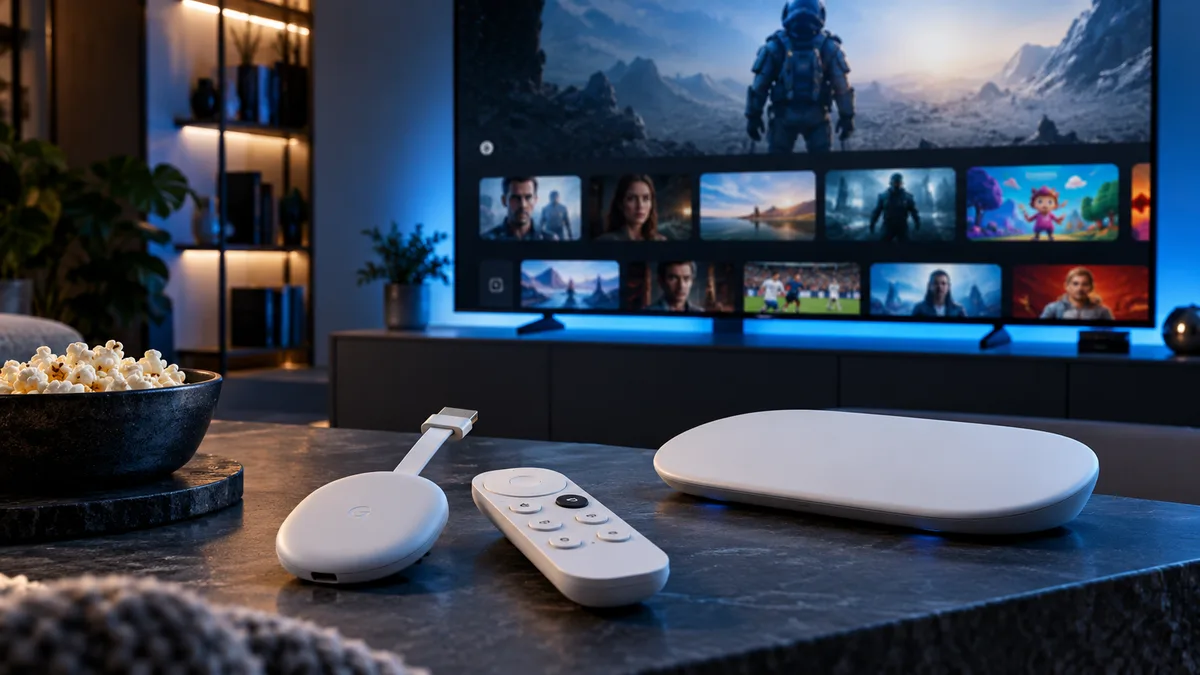
Google's streaming devices fall into two groups. Chromecast with Google TV (2020 onwards) and the Google TV Streamer (2024) run Android TV apps directly. Older "cast-only" Chromecasts need a phone or computer to send the video. This guide covers both.
What is IPTV on Chromecast?
On Google TV devices, you install a player app and sign in, exactly as on an Android box. On older Chromecasts, you play the stream on your phone and cast it to the TV.
Why choose a Google TV device
- Full Google Play Store with TiviMate and Smarters.
- 4K HDR and Dolby Vision on the 4K models.
- Voice search and a simple remote.
- Affordable compared with premium boxes.
Best IPTV apps for Google TV
| App | Why choose it |
|---|---|
| TiviMate | Best TV-style guide and recording |
| IPTV Smarters Pro | Simple setup, films and series |
| XCIPTV | Fast and lightweight |
| GSE Smart IPTV | Supports many formats |
| Perfect Player | Classic, minimalist player |
How to set up IPTV on Google TV
- Plug the device into HDMI and power, connect to Wi-Fi (or Ethernet via a USB-C hub).
- Open Apps → Search for apps and install TiviMate or IPTV Smarters.
- Open the app, choose Xtream Codes, and enter your server URL, username and password.
- Wait for channels and the TV guide to load, then add favourites.
Casting from an older Chromecast
Open a cast-capable player on your phone (such as Smarters or a VLC-based player), start a channel and tap the cast icon. Keep your phone awake and on the same Wi-Fi.
Chromecast vs Firestick vs Apple TV
| Google TV | Fire TV Stick 4K | Apple TV 4K | |
|---|---|---|---|
| App store | Google Play | Amazon + Downloader | App Store |
| TiviMate | Yes | Yes | No |
| Ethernet | Via hub | Via adapter | Some models |
| Price | Low–mid | Low | High |
Performance tips
- Use 5 GHz Wi-Fi or a USB-C Ethernet hub.
- Free up storage by uninstalling unused apps.
- Turn on Match content frame rate for smooth sport.
Common issues and fixes
- Buffering: check speed and Wi-Fi; see buffering fixes.
- Sideloaded app crashes after update: install the Play Store version.
- Casting works but app won't launch: clear cache or reinstall.
- Guide missing or wrong times: refresh the EPG; see timezone fixes.
- No audio: change audio output to PCM or switch track — see audio tracks.
Set up in under 15 minutes
Get a free trial login and install TiviMate or Smarters on your Google TV today.