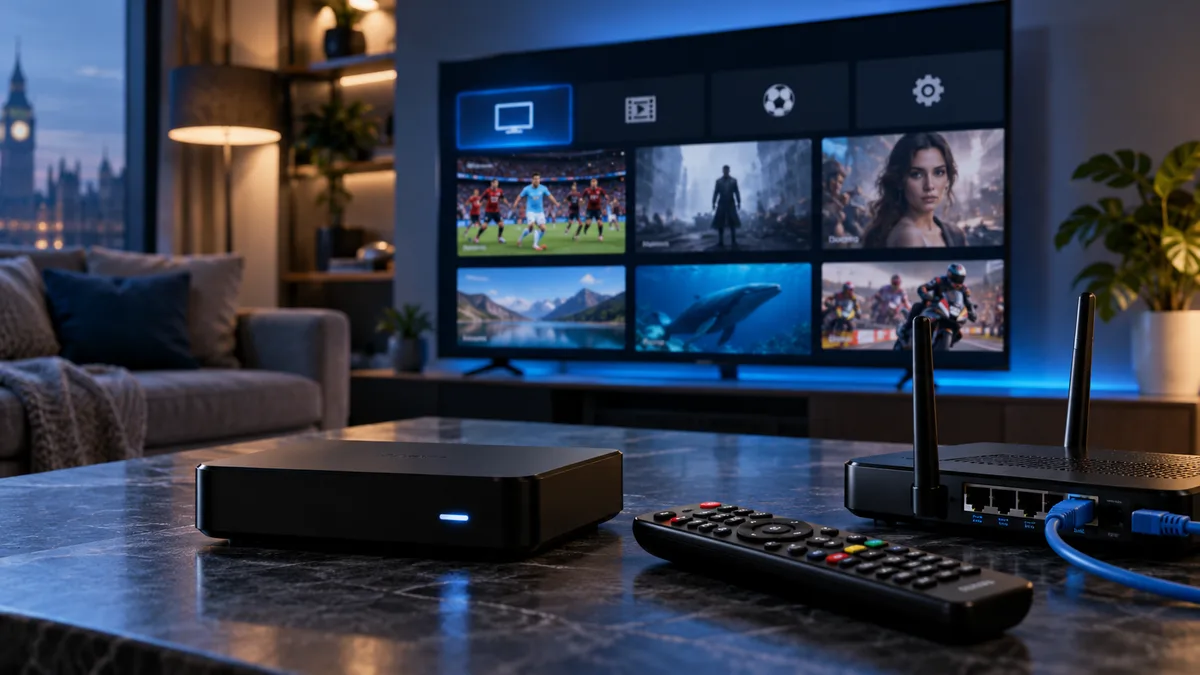
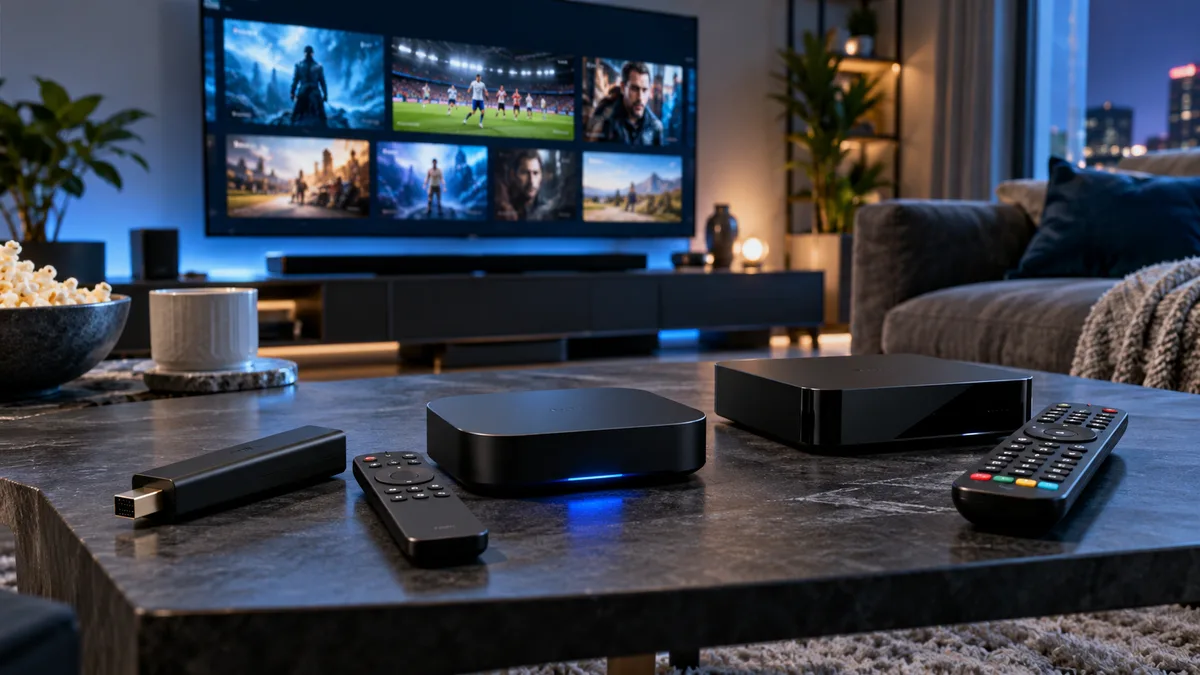
MAG boxes (made by Infomir) are dedicated IPTV set-top boxes. They feel like traditional pay-TV boxes: a simple remote, numbered channels and a built-in guide.
What is a MAG box?
A small Linux-based box that connects to your TV by HDMI and to your router, then loads your provider's portal. Formuler and similar boxes work in a similar way.
Why UK users choose MAG boxes
- Familiar TV experience for all ages — see IPTV for elderly viewers.
- Dedicated hardware, nothing else running.
- Ethernet built in.
- Fast channel changes.
How MAG IPTV works
Portal URL vs M3U
Instead of a playlist, the box connects to a portal URL. The portal sends the channel list, guide and on-demand menus. See Stalker portal guide.
The MAC address
The portal recognises your box by its MAC address. You send it to us; we register it. See MAC address guide.
How to set up a MAG box
- Connect the box to the TV (HDMI) and router (Ethernet).
- Send us the MAC address from the sticker or settings.
- On the box: Settings → System settings → Servers → Portals.
- Enter a Portal 1 name and the Portal 1 URL we provide.
- Save and choose Reboot.
- The portal loads with your channels and guide.
MAG vs Firestick vs Android box
| MAG box | Fire TV Stick 4K | Android TV box | |
|---|---|---|---|
| Login | Portal + MAC | Apps (Xtream Codes) | Apps |
| Interface | Traditional STB | App-based | App-based |
| Ethernet | Built in | Adapter | Usually built in |
| Other apps | Limited | Many | Many |
What to look for in a MAG-style box
- 4K/HEVC support for UHD channels.
- Up-to-date firmware.
- Ethernet port.
- A responsive remote.
Get started
Request a trial with your box's MAC address and we'll send your portal URL. More options: IPTV box guide.