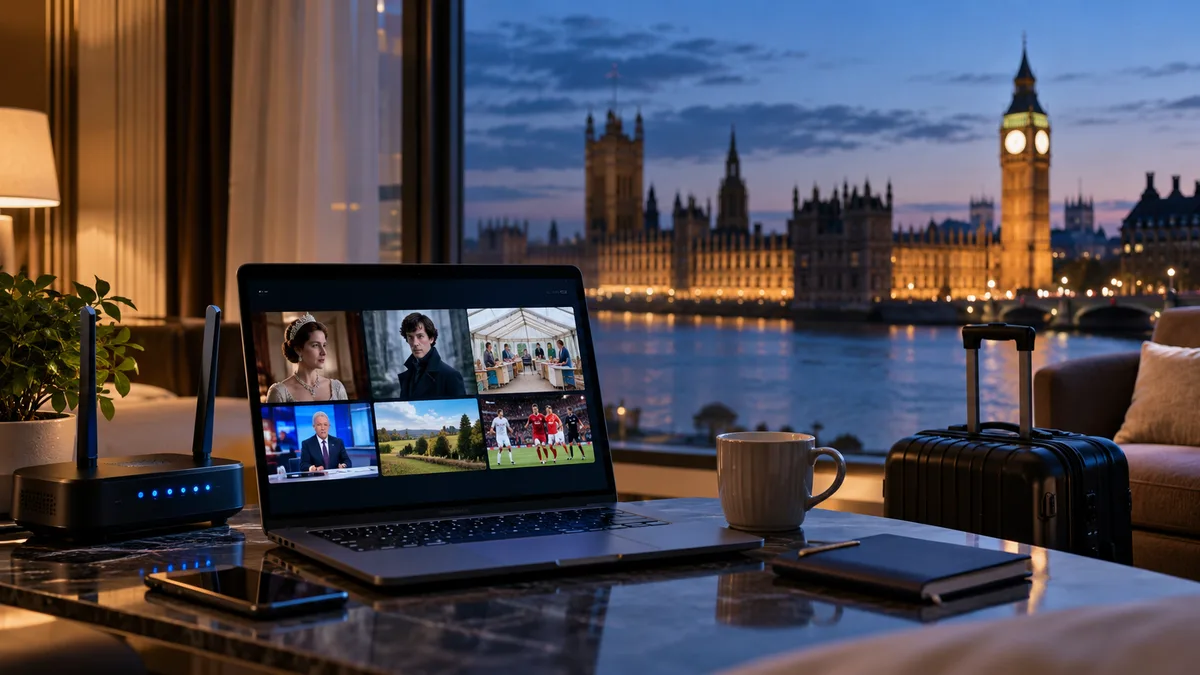
Millions of Britons live, work or holiday abroad, and many want to keep watching UK TV. Here's why it can be tricky and the main options.
Why British TV stops working abroad
UK broadcasters license programmes for UK audiences, so their apps check your location. Outside the UK, BBC iPlayer, ITVX and others usually won't play.
Three ways to watch UK TV abroad
Method 1: A VPN with UK apps
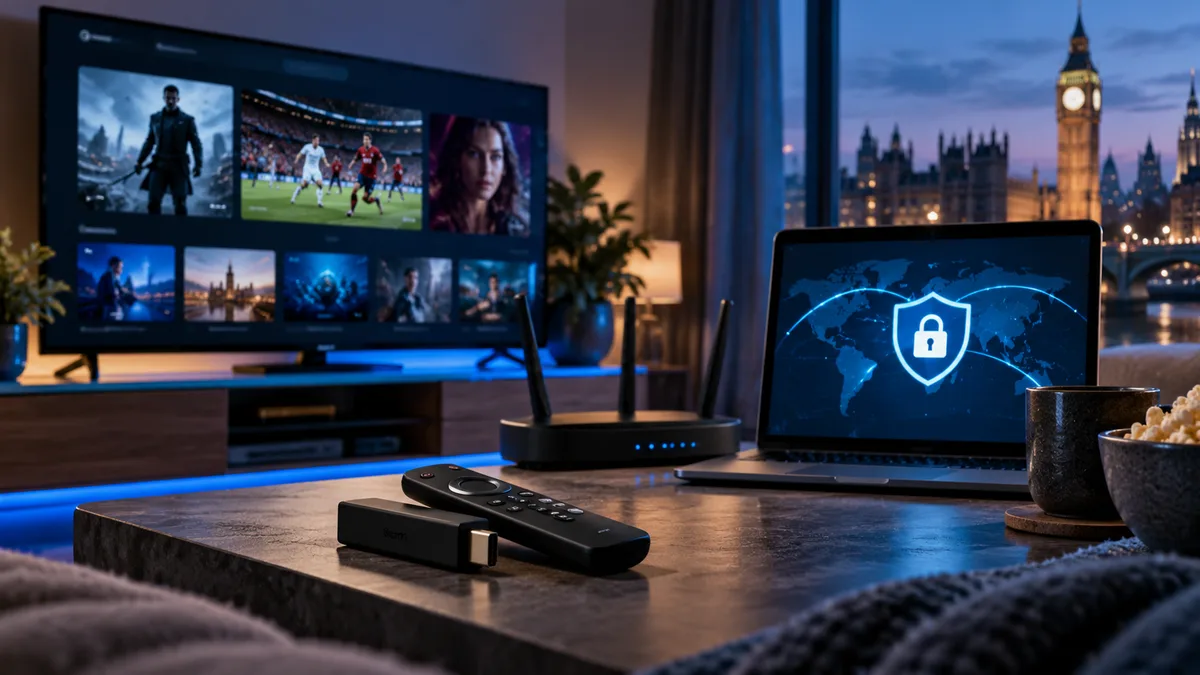
A VPN can make your connection appear to come from the UK. Many broadcasters block known VPN servers, and their terms of use apply. See IPTV and VPNs.
Method 2: Satellite
In parts of Spain, Portugal and France, a large dish can receive UK free-to-air satellite channels. It needs installation and doesn't work everywhere.
Method 3: An IPTV subscription
A subscription that includes UK channel groups works over the internet wherever you are, on all your devices.
| VPN + UK apps | Satellite | IPTV subscription | |
|---|---|---|---|
| Installation | App | Dish | App |
| Works everywhere | Depends on blocks | Limited range | Yes |
| Multiple devices | Yes | Per receiver | Yes |
| Guide in local time | No | No | Yes |
What you can watch
UK channel groups in your line-up — entertainment, news, sport and regional channels — plus catch-up on supported channels. See local channels and the channel list.
How to set it up
- Install a player app on your device abroad — see setup guides.
- Sign in with your login.
- Set your device to local time so the guide matches where you are.
Picture quality abroad
- Test the connection before relying on it.
- Use HD if Wi-Fi is limited.
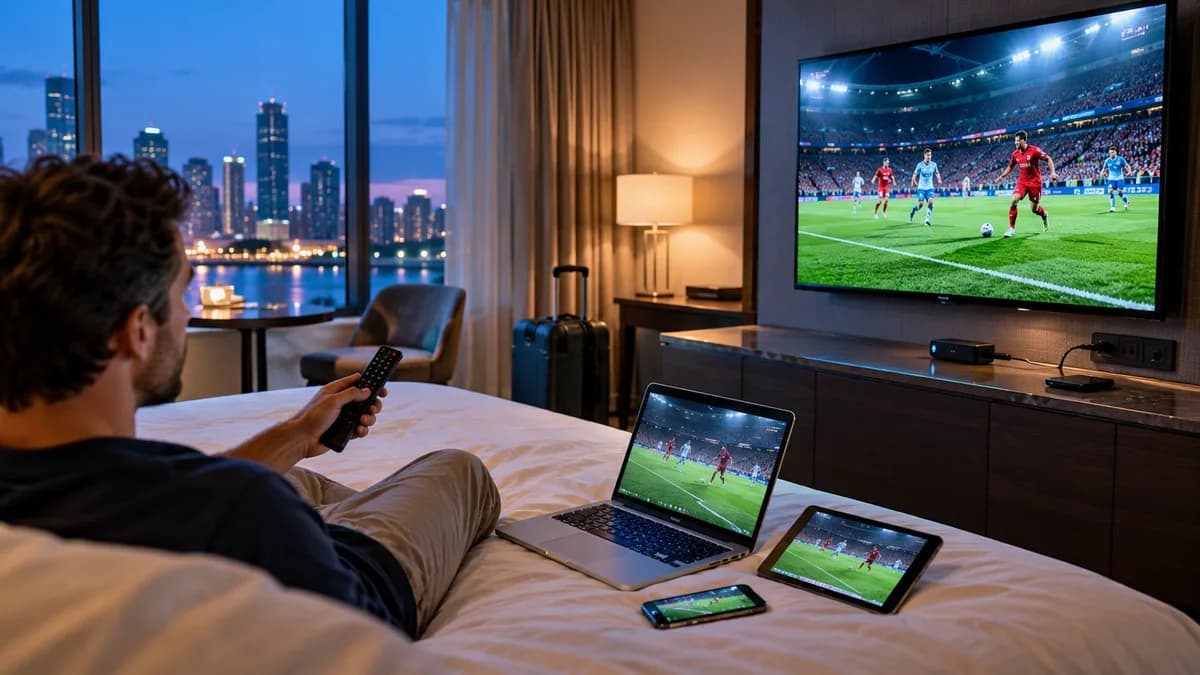
- A travel router helps in hotels — see IPTV in hotels.
Is it legal to watch UK TV abroad?
Laws and licensing differ by country. Content must be licensed for viewing where you are. See Is IPTV legal in the UK? for the UK position.
Bring British TV with you
Try iBest UK IPTV free from wherever you are.