Business trip or holiday, the hotel TV rarely carries what you want to watch. Your IPTV subscription can come with you. Here are five ways, from easiest to most cinematic.
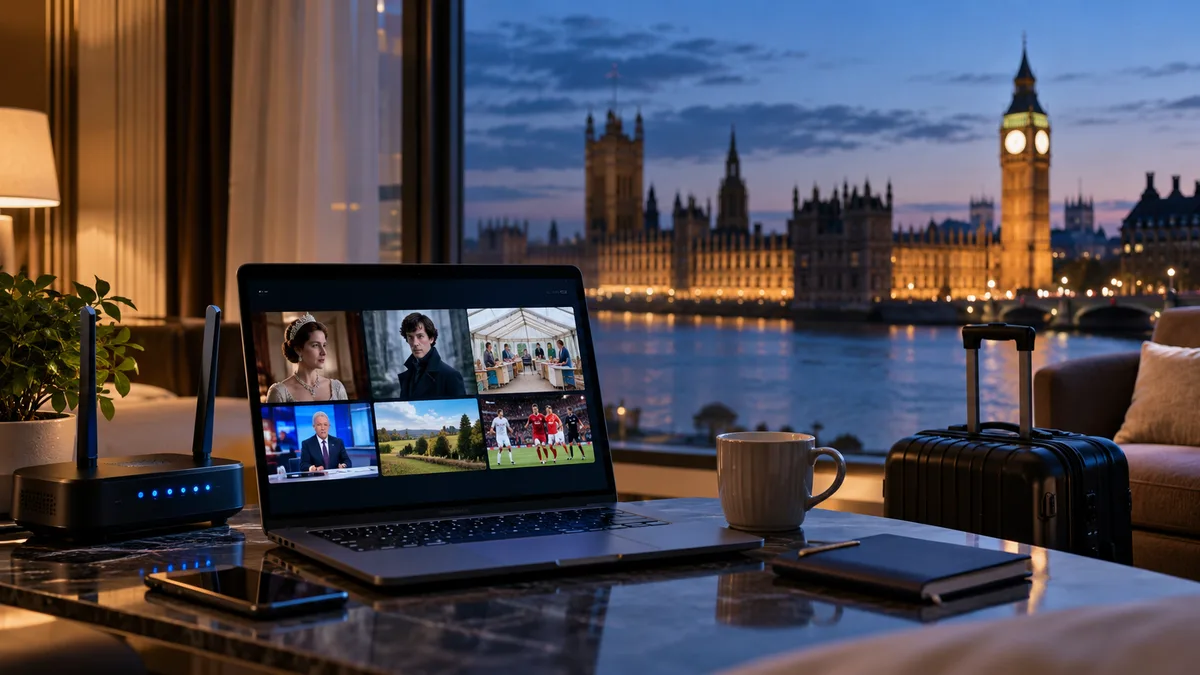
1. Stream on a tablet or laptop (easiest)
Install IPTV Smarters (or your usual player) before you travel and sign in. Nothing else needed. Ideal for news or a match in bed.
2. Connect a laptop to the hotel TV by HDMI
Bring an HDMI cable (and a USB-C adapter if needed), plug into the TV and choose that input. You get the big screen with your laptop's player.
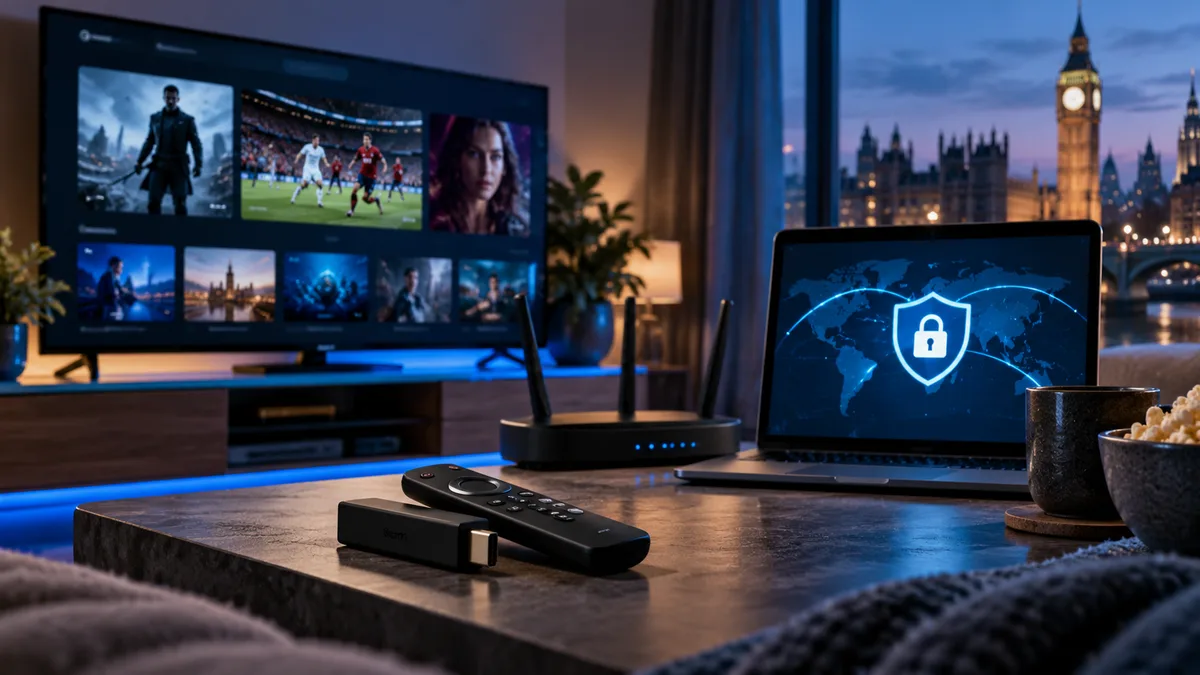
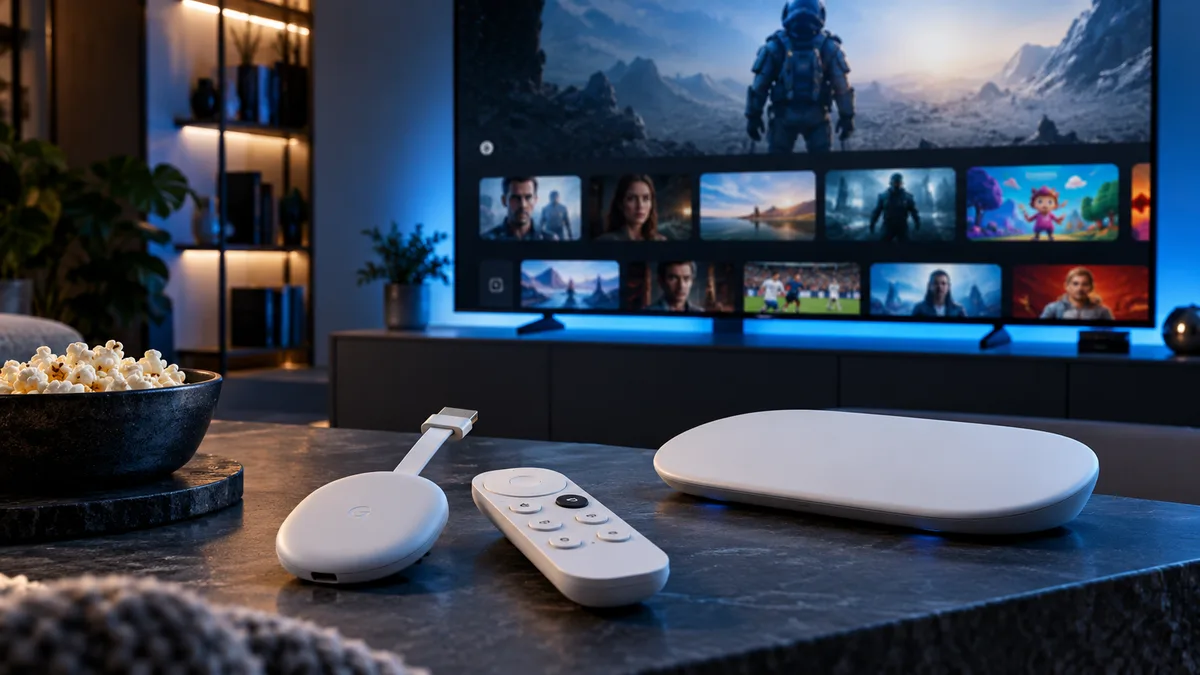
3. Bring a travel streaming stick
Pack your Fire TV Stick and its power adapter. Plug it into the TV, connect to Wi-Fi and open your player. Note:
- Some hotel TVs lock their HDMI inputs.
- Wi-Fi with a sign-in page can be awkward on a stick — a travel router solves this.
4. Use your phone as a hotspot
If hotel Wi-Fi is slow, a 4G/5G hotspot from your phone may be faster. Watch HD rather than 4K to save data (HD uses roughly 3 GB per hour).
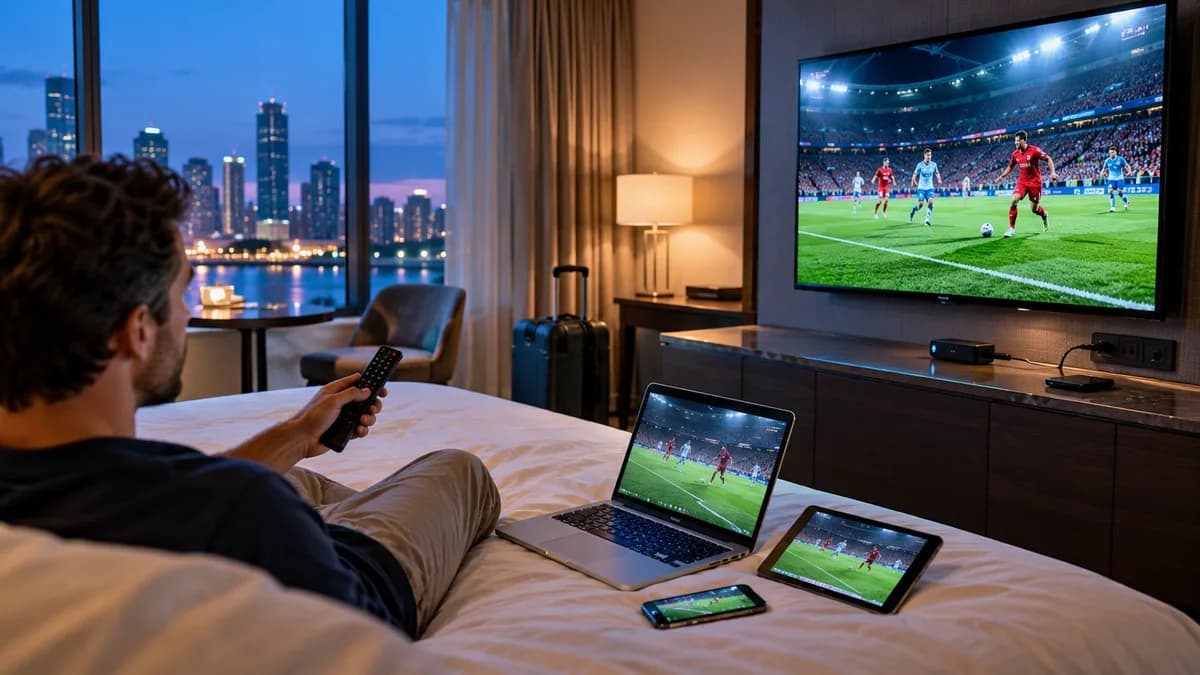
5. Cast from your phone
Some hotel TVs support casting or screen mirroring. Results vary, and hotel networks often block casting between devices.
Comparing methods
| Method | Effort | Picture | Reliability |
|---|---|---|---|
| Tablet / laptop | Very low | Small screen | High |
| Laptop + HDMI | Low | Big screen | High |
| Travel stick | Medium | Big screen | Depends on TV |
| Phone hotspot | Low | Any | Depends on signal and data |
| Casting | Low | Big screen | Often blocked |
Why bring IPTV instead of using the hotel TV
Your own channels, your favourites and the TV guide in your time zone — plus catch-up on supported channels for anything you miss while out.
What about hotel IPTV systems?
Many hotels run their own IPTV systems for in-room channels. These are separate from your subscription and can't be used with your login.
Your channels, everywhere
Set up a second device before you travel and test it at home first. Read our guide to watching UK TV abroad for longer trips.