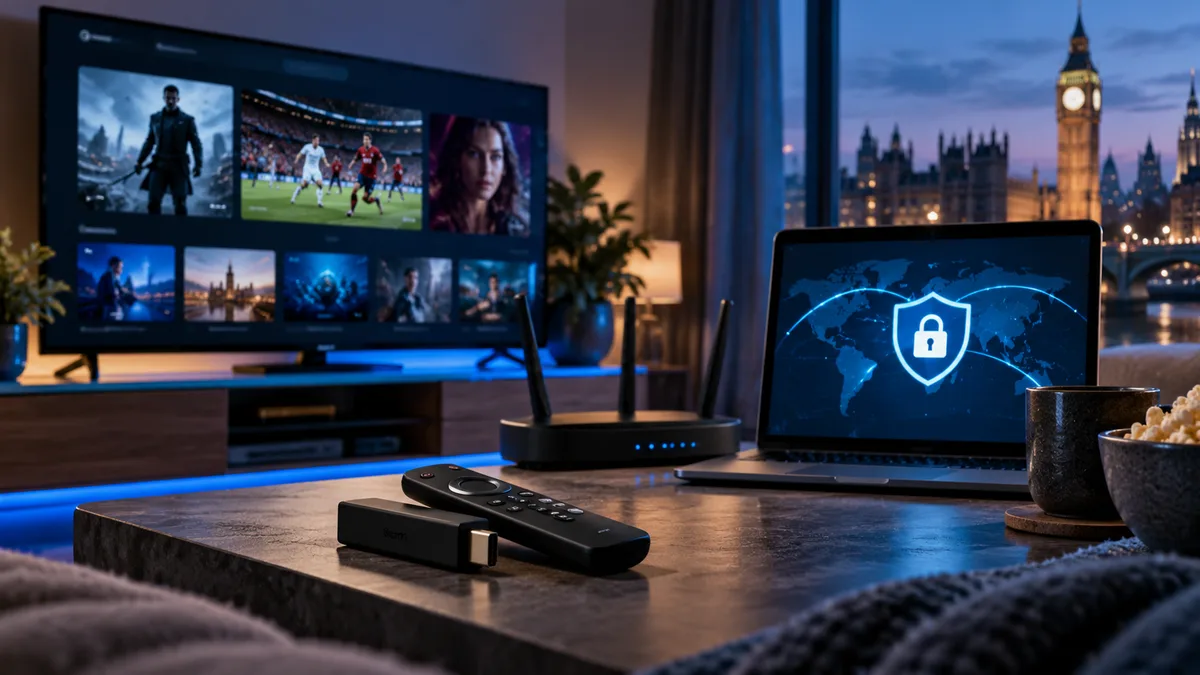
A VPN (Virtual Private Network) encrypts your internet traffic and routes it through a server elsewhere. For IPTV, it can help in specific situations — but it isn't a magic fix.
What is a VPN?
An app that creates an encrypted tunnel between your device and a VPN server. Your broadband provider can see that you're using a VPN but not what you're doing.
Why people use a VPN with IPTV
- ISP throttling: some broadband providers slow certain streaming traffic at busy times.
- Privacy: keeping browsing and streaming private, especially on public Wi-Fi.
- Blocked ports or addresses on some networks.
Do you actually need one?
| Situation | VPN helpful? |
|---|---|
| Buffering only in the evening on all channels, Ethernet connected | Possibly |
| Buffering on Wi-Fi | No — fix Wi-Fi first |
| Using hotel or public Wi-Fi | Yes, for privacy |
| Everything works fine | No |
The trade-offs
- Small speed overhead.
- Monthly cost for a good VPN.
- Another app to manage.
How to set up a VPN on Firestick
- Choose a reputable paid VPN with a Fire TV app.
- Install it from the Amazon Appstore.
- Sign in and connect to a nearby UK server.
- Open your IPTV player and test.
Android TV and Apple TV setups are similar. On routers, a VPN can cover every device.
Tips for the best performance
- Pick a server near you.
- Use the WireGuard protocol if offered.
- Enable split tunnelling to route only the IPTV app through the VPN.
- Test with and without the VPN.
Is IPTV legal in the UK?
A VPN doesn't change whether content is licensed. See Is IPTV legal in the UK?
Final thoughts
Fix Wi-Fi and device issues first — see buffering. Use a VPN if your ISP slows streaming or for privacy on public networks.