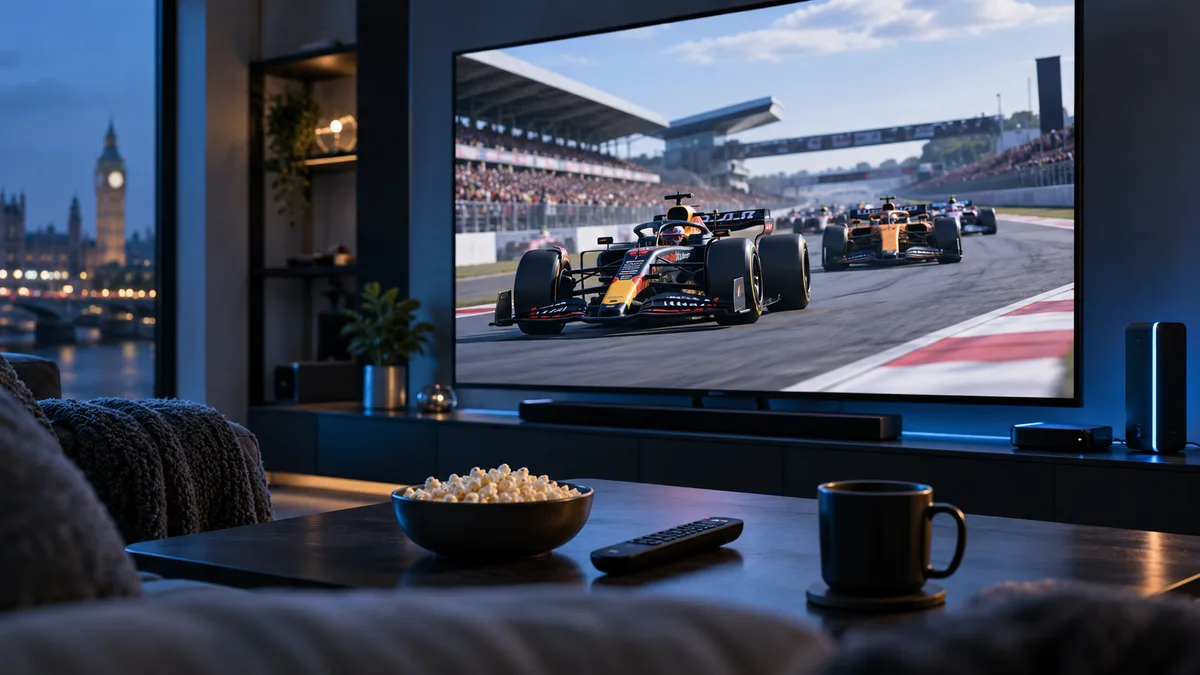
A Formula 1 season runs from March to December across five continents, with sprint weekends adding extra sessions. Keeping track of start times — and having a stream that copes with the race start — is half the battle.
Who broadcasts F1 in the UK?
| Coverage | UK provider |
|---|---|
| Live practice, qualifying, sprints and races | Sky Sports F1 |
| Highlights | Free-to-air partner (varies by season) |
| F1 TV | F1 TV Access only (no live races in the UK) |
What a race weekend includes
- Free practice on Friday (and Saturday on normal weekends).
- Qualifying — usually Saturday.
- Sprint qualifying and sprint race on sprint weekends.
- The Grand Prix on Sunday.
- Support series such as F2 and F3, plus build-up and analysis.
How to watch step by step
- Install a player app — TiviMate or IPTV Smarters.
- Add the motorsport channels to favourites.
- Set the guide to UK time so session times are correct.
- For early-morning races, use catch-up on supported channels to watch later.
Best devices
A 4K-capable device (Fire TV Stick 4K, Apple TV 4K, Android TV box) on a large screen makes the most of onboard footage. Phones are handy for following practice.
Race-day performance tips
- Wired connection — the first lap is when everyone's watching.
- Restart your router on Sunday morning.
- Pause downloads and console updates.
- Switch to HD if 4K stutters at the start.
Common issues and fixes
- Buffering at the start: see buffering fixes.
- Motorsport channels missing: check hidden groups, refresh the playlist.
- Wrong commentary language: change the audio track — see audio tracks.
- Extra feeds not working: some feeds only run during sessions.
- Guide times wrong for overseas races: fix the time zone — see timezone settings.
Watching responsibly
Make sure your way of watching is licensed in the UK — see Is IPTV legal in the UK?
Ready for lights out?
Try iBest UK IPTV free on a race weekend and test it during qualifying.