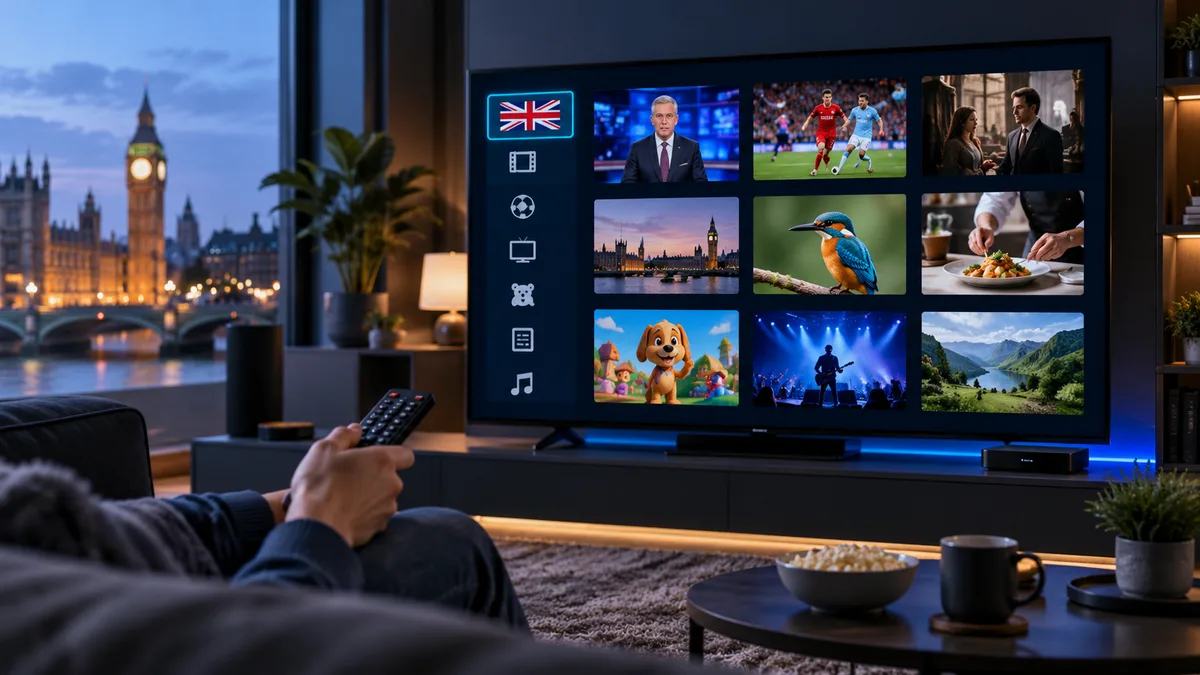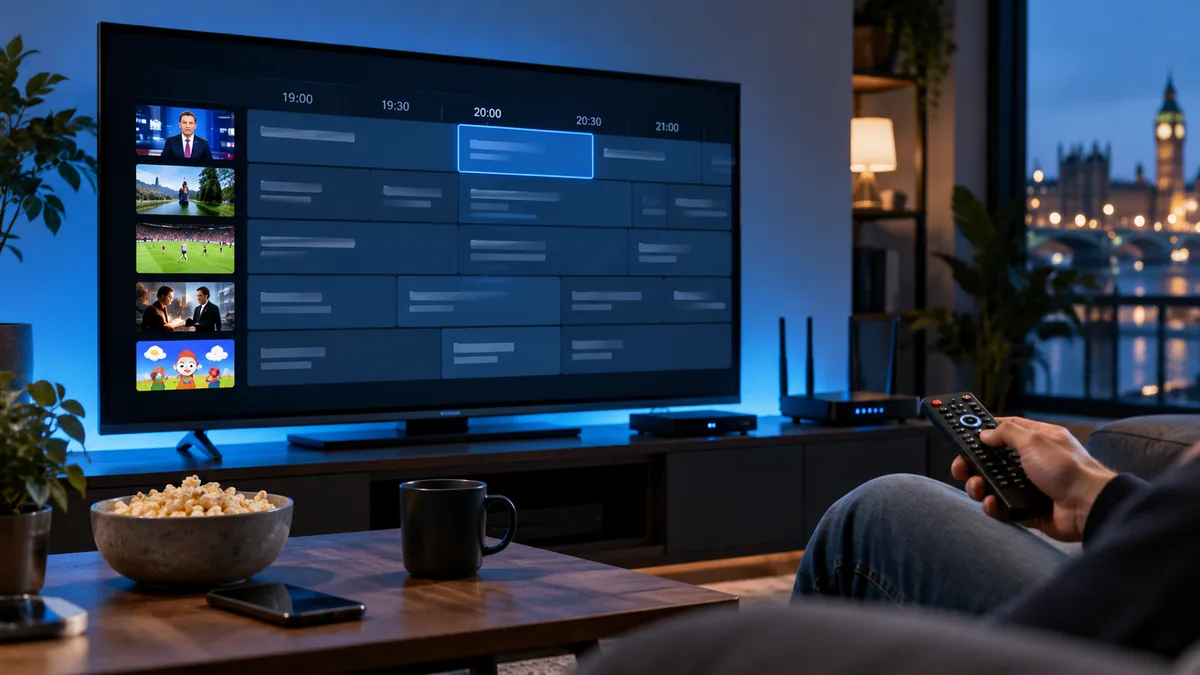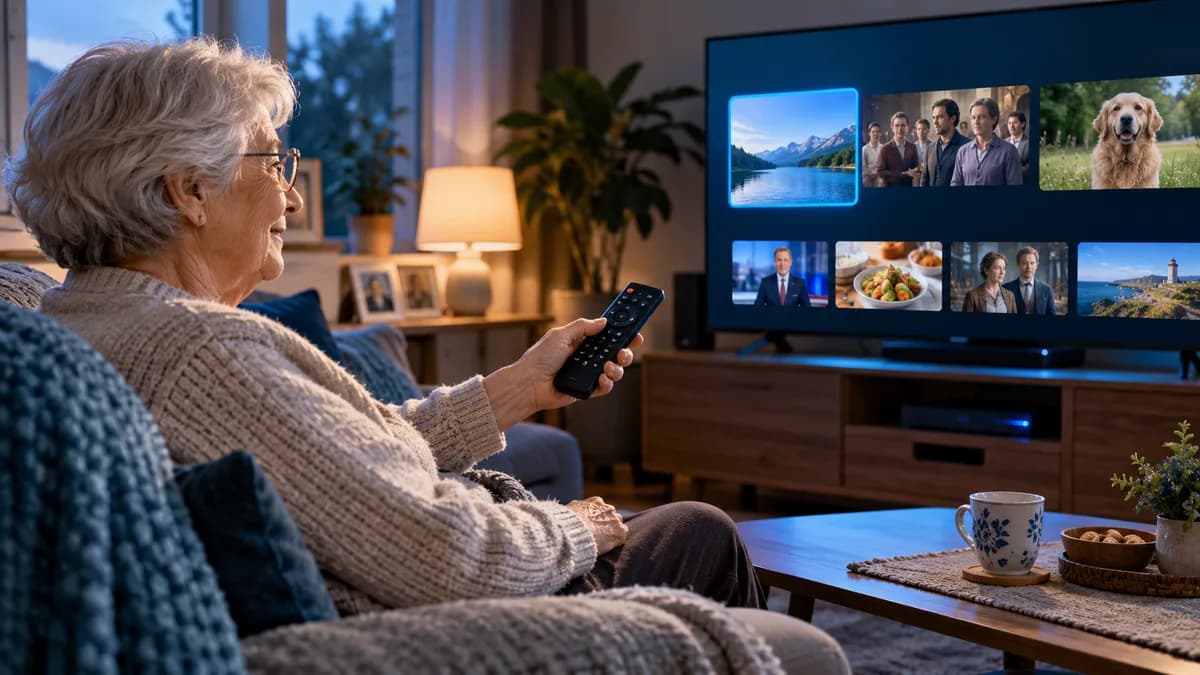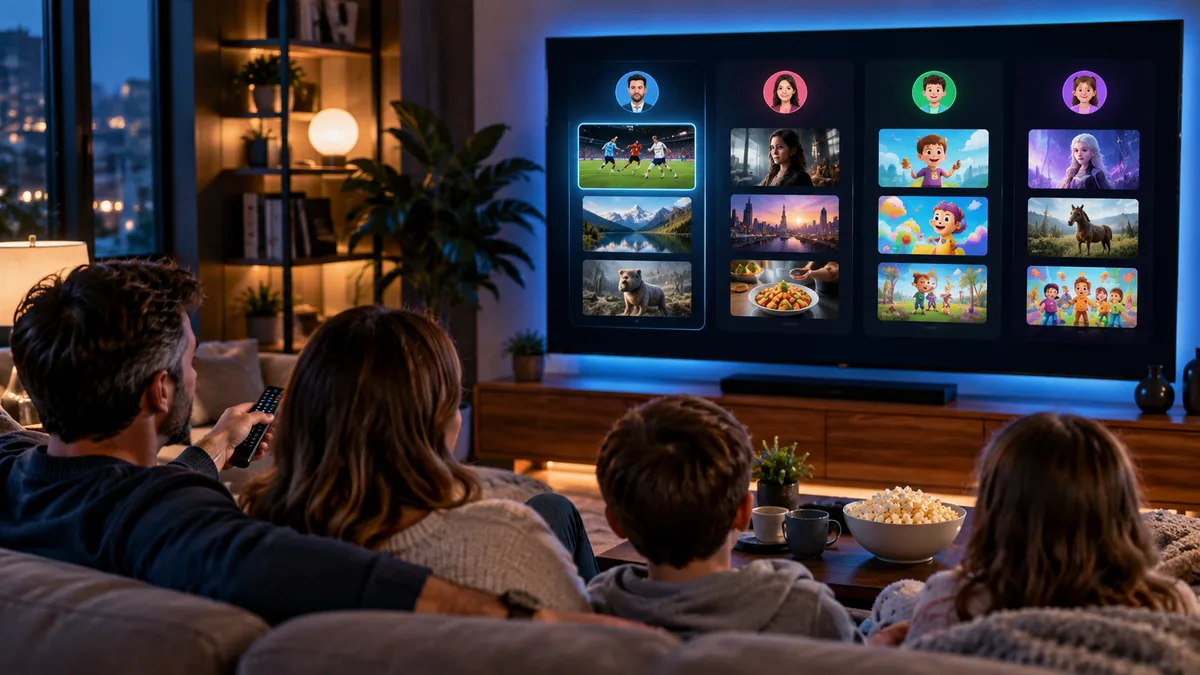
A large channel list is great until you have to scroll through it every evening. Favourites turn it into a short list of the channels you actually watch.
Why favourites matter
- Faster channel switching with the remote.
- A cleaner TV guide showing only your channels.
- Easier for children and older relatives — see IPTV for elderly viewers.
Building your first list
Start with 15–30 channels: your main UK entertainment channels, news, sport you follow, kids' channels if needed, and two or three film channels. You can add more later.
Adding favourites in each player
Smarters-style players
In Live TV, highlight a channel and long-press OK (or tap the heart icon). Your favourites appear in a Favourites category at the top.
TiviMate
Long-press OK on a channel → Add to favourites. With Premium you can create multiple favourite groups (e.g. "Dad's sport", "Kids") and reorder them.
Smart TV apps
Most players (IBO-style, Smart STB) use a long press or a coloured button on the remote to add favourites. Check the on-screen help.
Organising for a household
| Approach | How |
|---|---|
| One shared list | Simple — everyone's main channels together |
| Separate groups | TiviMate Premium favourites groups per person |
| Separate profiles | Smarters lets you add multiple user profiles |
| Device-specific | Kids' tablet has only kids' favourites |
What to include
- Channels you watch weekly.
- The HD version you can stream reliably (rather than 4K if your line is limited).
- Event channels during big tournaments — remove them afterwards.
Keeping favourites current
Every few months, remove channels you never watch and add new ones. If a favourite stops working, the channel may have been renamed — search for it and re-add.
Favourites and the TV guide
In TiviMate and many other players, opening the guide from the Favourites group shows a short, readable grid of just your channels — the closest thing to a traditional TV guide.
Ten minutes well spent
Set up favourites once and IPTV feels like simple, familiar TV. Try it on your own TV.