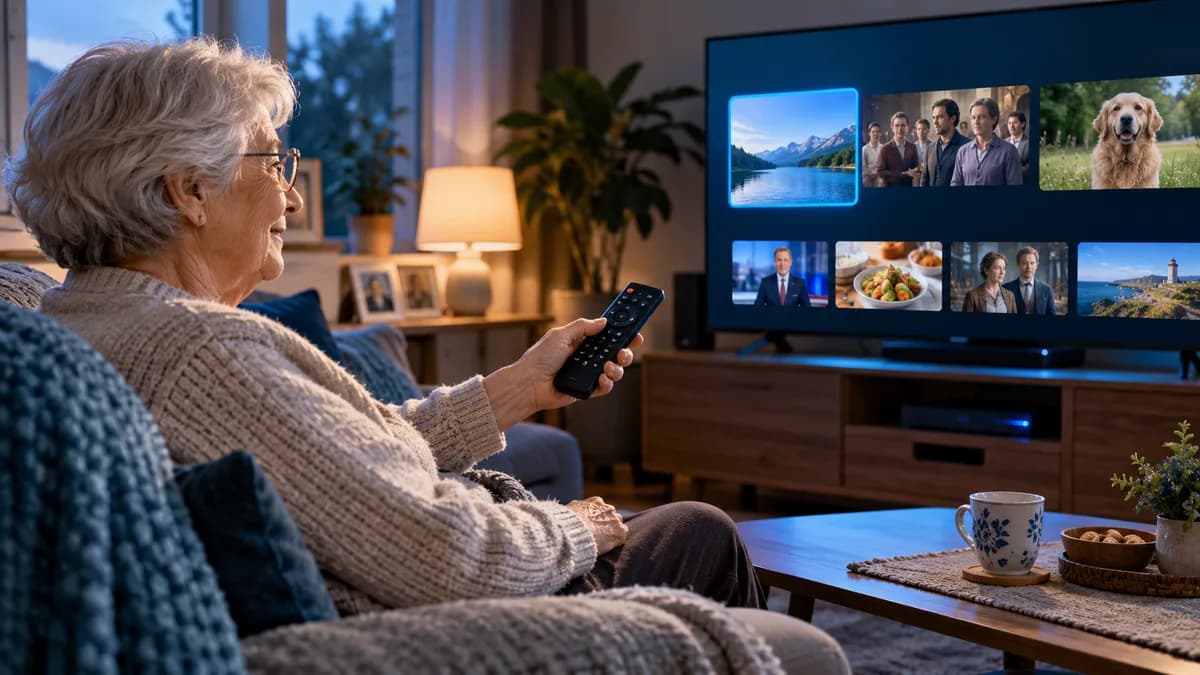
IPTV can be a wonderful option for older relatives — especially those living alone, moving into smaller homes or missing channels from abroad. But a list of thousands of channels and unfamiliar menus can be confusing. The secret is to set it up once, carefully.
Why standard apps can feel overwhelming
- Huge channel lists with many categories.
- Small text and icons on some apps.
- Remotes with unfamiliar buttons.
- Pop-ups asking about updates.
Choosing the right device
| Option | Pros | Cons |
|---|---|---|
| Fire TV Stick + simple player | Cheap, familiar remote, voice control | Some menus to learn |
| IPTV set-top box (MAG/Formuler) | Traditional TV feel, channel numbers | Slightly dearer |
| Smart TV app | No extra device | Depends on TV model |
For many people, a Fire TV Stick set to open directly into the player's favourites list is the sweet spot. See the Firestick setup guide.
Set up favourites and limit choice
- Create a favourites list of 10–20 channels they actually watch — see IPTV favourites.
- Hide every other channel group.
- Set the app to start in favourites (in TiviMate: Settings → General → Start on → Favourites).
- Turn off automatic app updates so menus don't change unexpectedly.
Large text and high contrast
- In the device settings, enable text magnification or high-contrast text (Fire TV: Settings → Accessibility).
- Choose a player with a clean, large-font layout.
- Turn on subtitles for programmes where helpful.
- Enable audio description tracks if needed — see audio tracks.
What to avoid
- Installing several apps "just in case".
- Leaving adult or unsuitable categories visible.
- Long passwords that must be typed on a TV remote.
Helping from a distance
- Prepare and test everything before handing over the device.
- Write a one-page guide: power on, open app, choose channel.
- Use a phone remote app or video calls to talk them through problems.
- Make sure they know how to reach our support team on WhatsApp.
Final thoughts
Set up well, IPTV can be simpler than traditional TV — and bring home channels to relatives abroad or living alone. Try it free and prepare the setup before you hand it over.