IPTV gives families a wide choice of children's TV — but it's also a big, unfiltered list until you set it up. A few minutes with parental controls makes it a safe, easy space for kids.
What kids' channels include
- Pre-school programming for under-fives.
- Cartoons and animation for older children.
- Educational and factual channels.
- Family films on channels and in the on-demand library.
- International kids' channels in other languages — great for bilingual families.
Why UK families are switching
- Kids watch on a tablet while adults use the main TV.
- No extra fee for a second room.
- Catch-up for favourite shows.
Setting up on your devices
Smart TVs and streaming sticks
Install your player, sign in, then lock unsuitable categories (see below). Set the app to open on favourites.
Tablets and phones
Use a separate device or profile for children with only the kids' list. Combine with the tablet's own parental controls.
Build a kids' favourites folder
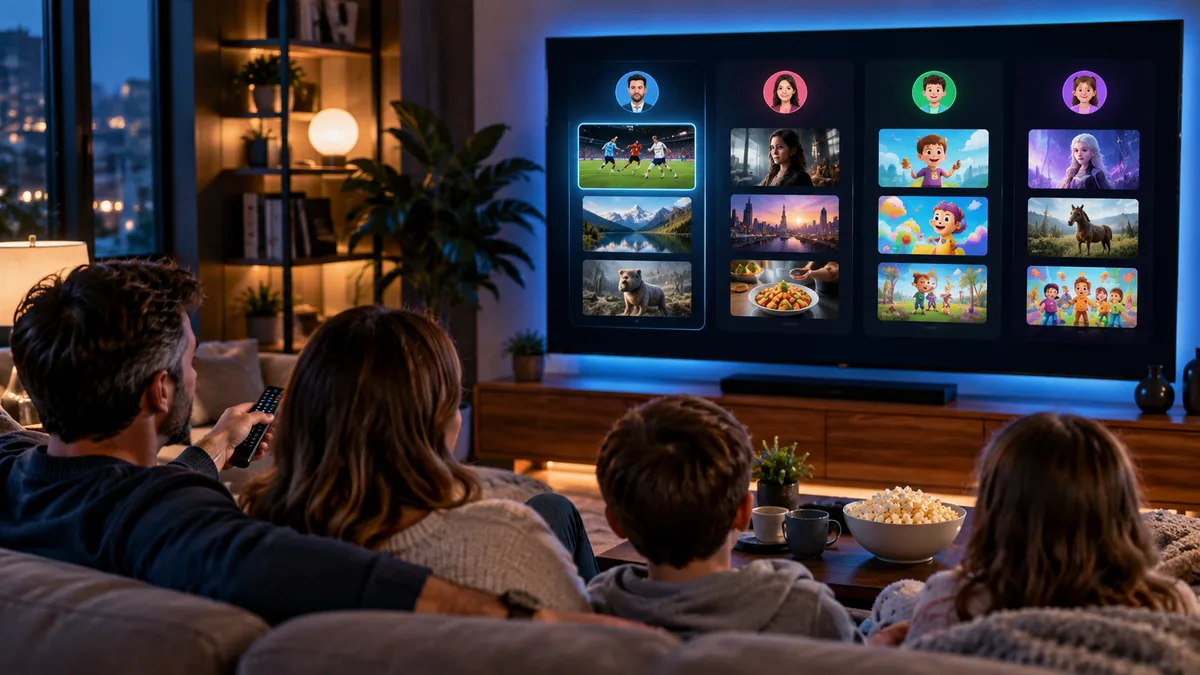
Add 10–15 children's channels to a dedicated favourites list. In TiviMate Premium you can create a separate "Kids" group; in Smarters, use a separate user profile. See favourites.
Parental controls: the part that matters most
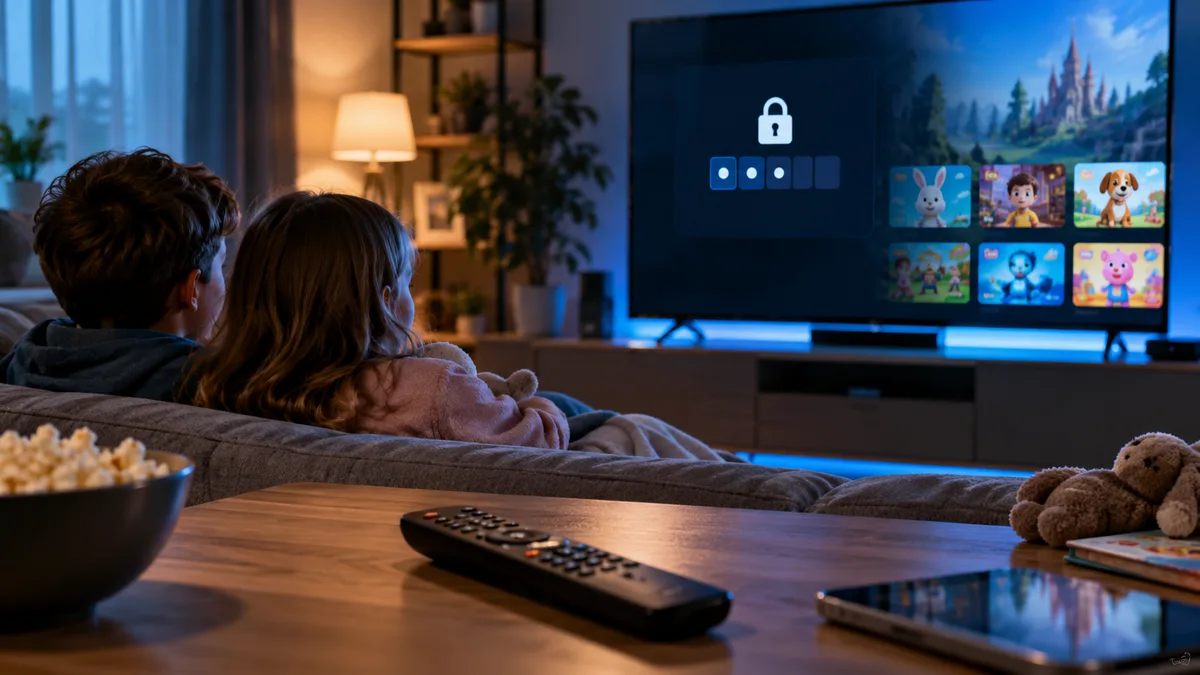
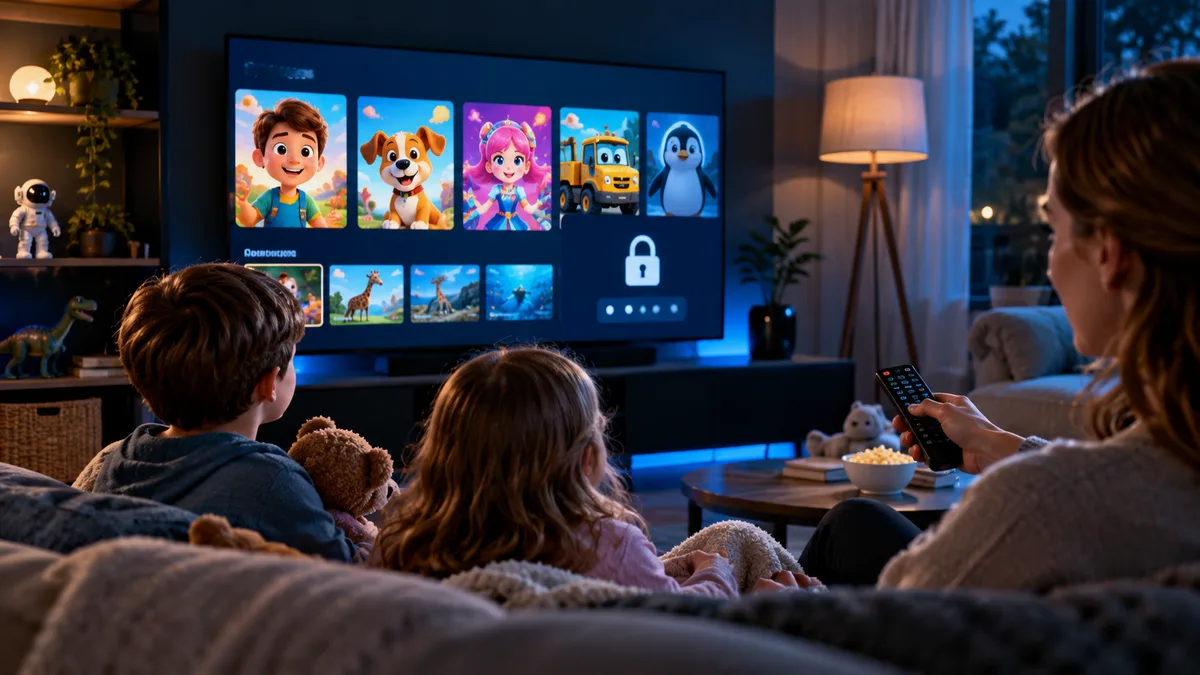
- Open the player's Settings → Parental control.
- Set a PIN that children don't know.
- Lock adult categories and any others you choose (some players also lock films and series by rating).
- Test it: try opening a locked category without the PIN.
Our parental controls guide covers every major player.
What you need
- A device for the children (tablet, Firestick in their room, or the family TV).
- 10 Mbps per HD screen.
- A plan with enough connections — see multiscreen.
IPTV vs traditional pay TV for families
| IPTV | Pay TV | |
|---|---|---|
| Kids' channels | Included | Often an add-on |
| Extra rooms | Included up to plan limit | Monthly fee |
| Parental controls | In player apps | In the box |
| On the go | Phones and tablets | Limited |
Choosing a provider responsibly
Choose a service with clear policies and support, and make sure your viewing is licensed. See Is IPTV legal in the UK?
Practical tips
- Set screen-time limits with the device's own tools.
- Keep the PIN private and change it if children learn it.
- Turn on subtitles to help early readers.
Family viewing, sorted
Try iBest UK IPTV free and set up a kids' list during your trial.