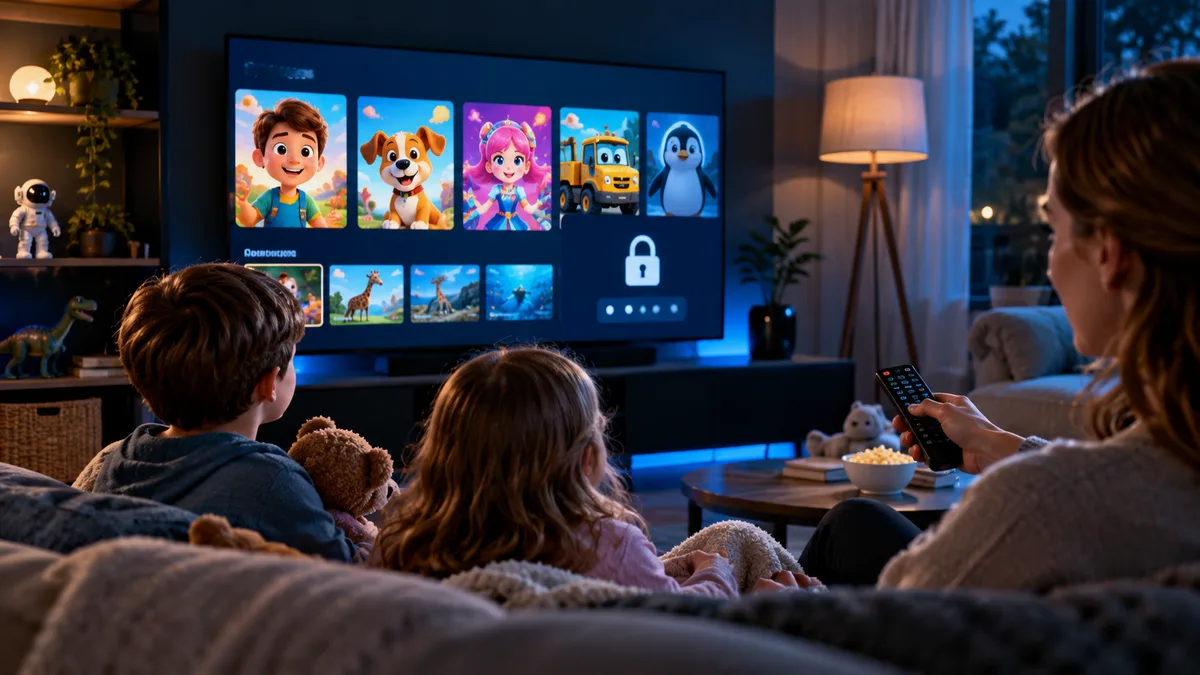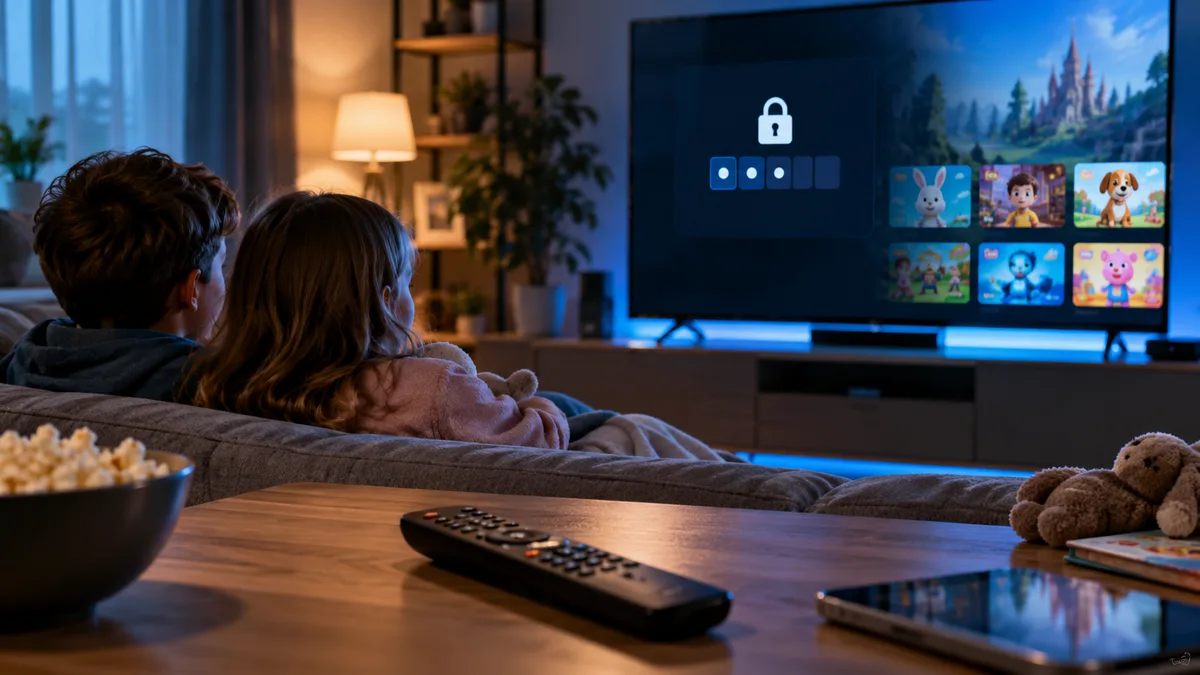
An IPTV channel list contains content for every audience. Parental controls let you decide what children can see.
Why parental controls matter
- Large lists can include adult or late-night categories.
- Children often find their way around apps faster than adults.
- Controls give you peace of mind when kids watch alone.
PIN-based category locking
IPTV Smarters
Settings → Parental control → set a PIN → choose categories to lock in Live TV, Movies and Series.
TiviMate
Settings → Parental control → set a PIN → long-press groups and choose Lock. Locked groups need the PIN to open or can be hidden entirely.
Smart TV players
Most players include a parental PIN under Settings. Some lock adult groups by default.
A kids-only favourites list
Create favourites containing only children's channels and set the app to open there — see favourites and kids' channels.
Device-level controls
| Device | Control |
|---|---|
| Fire TV | Settings → Preferences → Parental Controls (PIN for purchases and apps) |
| Android / Google TV | Kids profiles with approved apps |
| Apple TV | Settings → General → Restrictions |
| iPad / iPhone | Screen Time content restrictions |
| Android tablets | Google Family Link |
Comparing methods
| Method | Effort | Strength |
|---|---|---|
| Category PIN in app | Low | Good |
| Kids-only favourites | Low | Good for young children |
| Separate kids' device | Medium | Strongest |
| Device-level restrictions | Medium | Stops new apps being installed |
What happens without controls?
Children can wander into unsuitable categories in seconds. Even with adult groups hidden by default, check film and series categories.
Keeping controls updated
After app updates or playlist refreshes, check locks are still in place, and review them as children grow.
Family-friendly streaming
Set your PIN during your free trial and test it before handing over the remote.