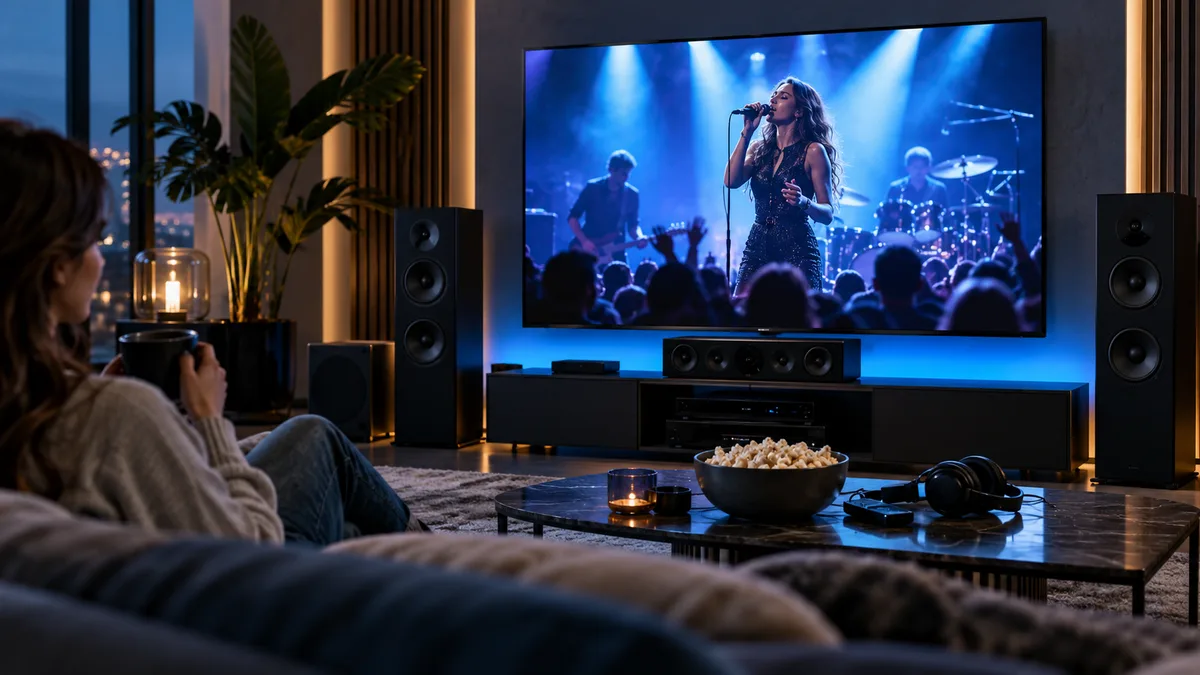
Music channels are some of the most-used channels in many households: on in the background while cooking, at parties, or for watching concerts on the big screen.
What music channels include
- 24/7 music video channels by genre and decade.
- International music from many countries.
- Concerts and festival coverage on music and entertainment channels.
- Audio-only stations in some line-ups.
How people use them
- Background music while working or cooking.
- Party playlists without managing a phone.
- Watching concerts and festivals on a large screen or projector — see projector setup.
Background listening setup
- Add your favourite music channels to favourites.
- Turn on the TV's screen-off or audio-only mode if available to save energy.
- Connect to a soundbar for fuller sound.
Setting up for concerts and live events
- Use a wired connection for long broadcasts.
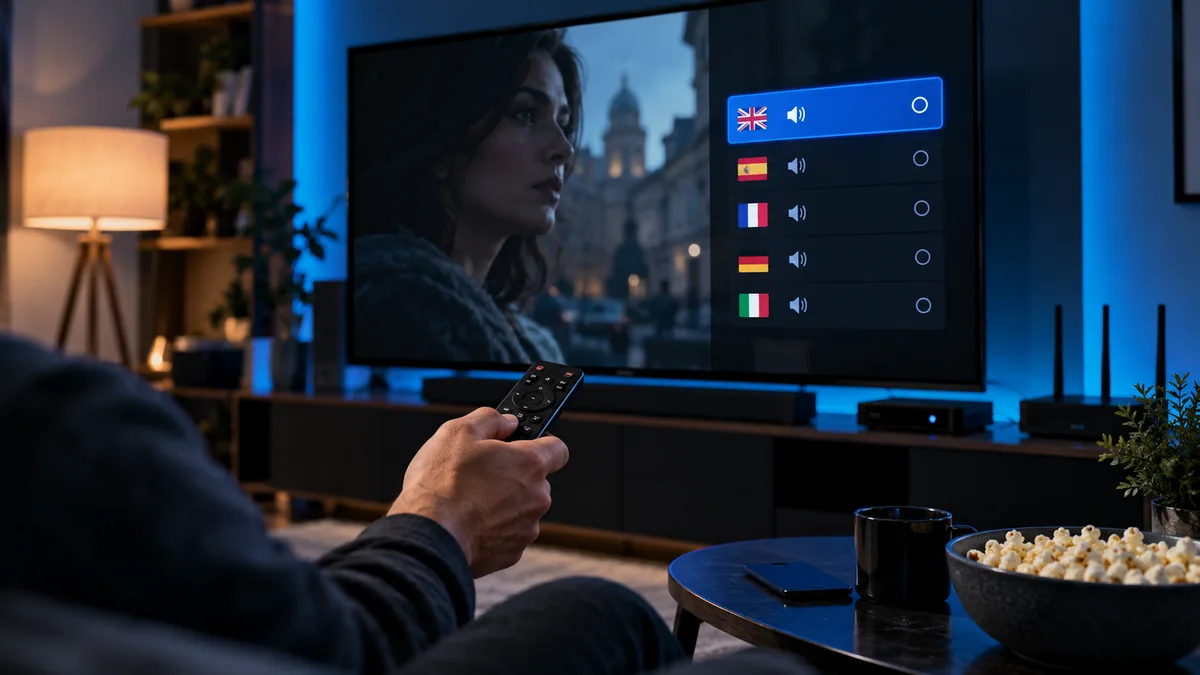
- Choose surround-sound audio tracks where offered — see audio tracks.
- Turn off motion smoothing for a natural picture.
Music channels vs music streaming apps
| Music channels | Music apps | |
|---|---|---|
| Choose exact songs | No | Yes |
| Music videos | Yes | Limited |
| Effort | Switch on and go | Build playlists |
| Included with TV | Yes | Separate subscription |
Finding music channels
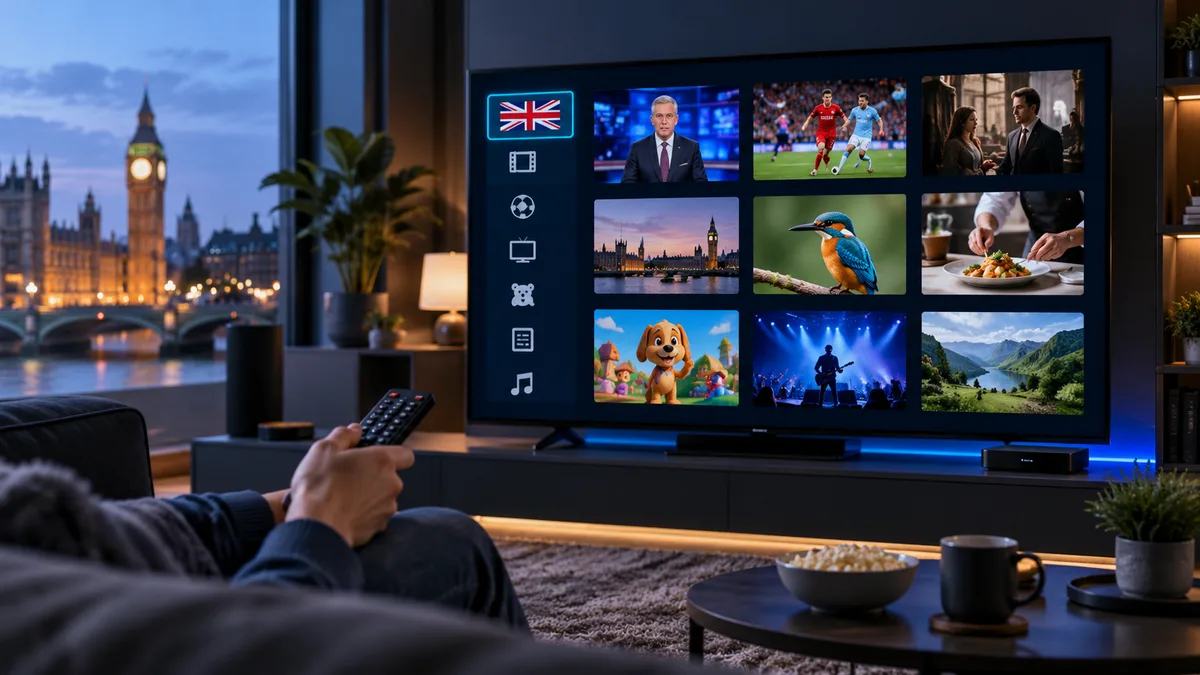
Look for a Music group in your channel list, or search for genres. See how the channel list is organised.
A note on sound quality
TV speakers limit music the most. Even an entry-level soundbar makes a big difference.
Music for gatherings
Put a music channel on the main TV and keep a second device free for sport using multiscreen.
Try them out
Start a free trial and browse the music group.