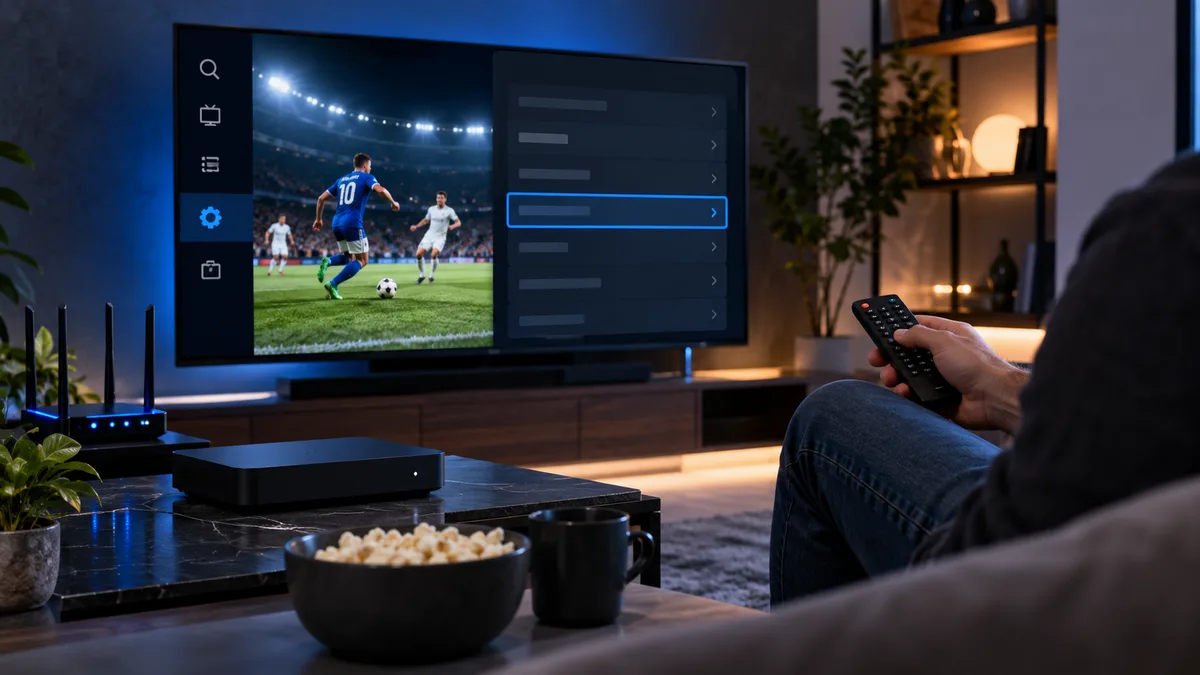
The user agent is a short text string your player sends with each request to identify itself — for example the app's name and version. Servers can use it to deliver compatible streams.
What an IPTV user agent is
Like a web browser identifying itself to websites, a player identifies itself to the IPTV server. Most apps send a sensible default.
When changing it helps
- A specific app version is having compatibility issues.
- Support has asked you to try a particular value.
- Streams play in one app but not another on the same network.
If everything works, leave it alone.
Where to find the setting
| Player | Location |
|---|---|
| TiviMate | Settings → Playlists → (your playlist) → User agent |
| IPTV Smarters | Settings → User agent (on supported versions) |
| XCIPTV | Settings → Advanced → User agent |
| Kodi PVR Simple Client | Advanced settings in the add-on |
| VLC | Preferences → All → Input/Codecs → HTTP |
Common values
Players' own defaults (e.g. the app name), a generic browser string, or a value supplied by your provider. Don't copy random strings from forums.
How to test a change
- Note the current value.
- Change it, save and restart the app.
- Test three or four channels.
- If nothing improves, revert.
Don't overuse it
User agent changes rarely fix buffering, login errors or missing guides. For those, see IPTV not working and buffering fixes.
The practical summary
Leave it on default unless support recommends otherwise. Our service works with default settings in all major players.