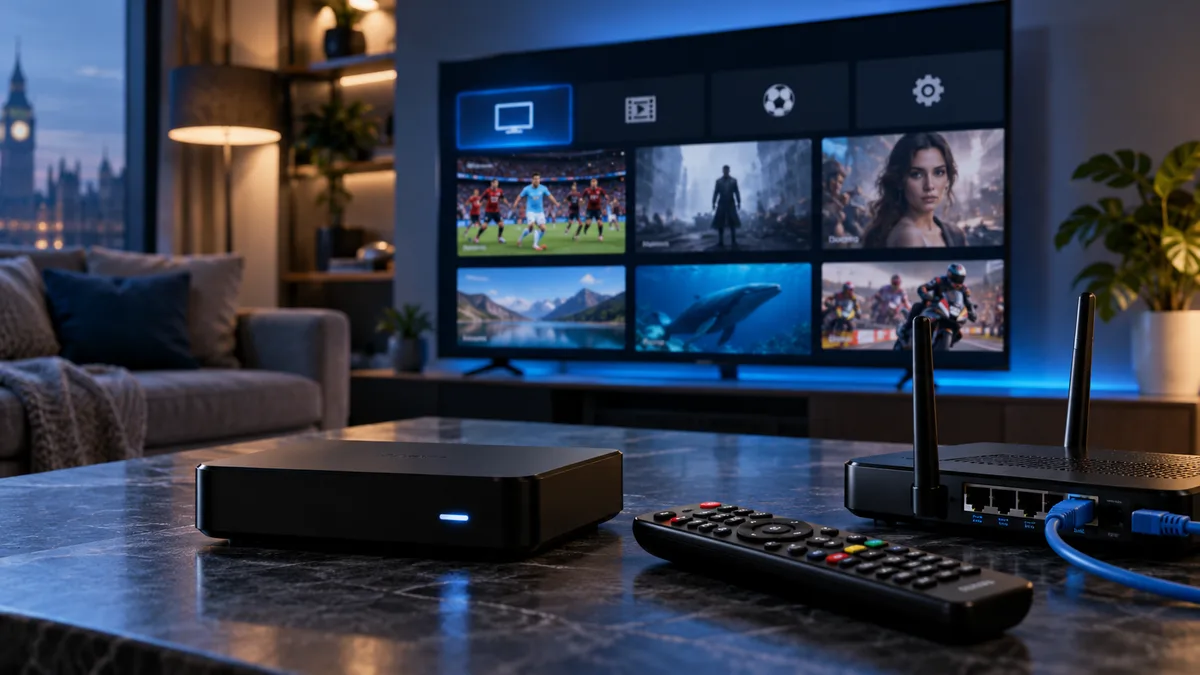
The Stalker portal (named after the Stalker middleware) is the traditional way IPTV set-top boxes connect. Instead of a username and password, the box's MAC address identifies your subscription.
What is a Stalker portal?
A web-based interface hosted by your provider. When your box connects to the portal URL, it sends its MAC address; if registered, the portal loads your channels, guide and on-demand content.
Stalker vs M3U
| Stalker portal | M3U | |
|---|---|---|
| Login | MAC address | Playlist URL |
| Interface | Provided by portal | Provided by your app |
| Devices | MAG, Formuler, STB apps | Almost any player |
How to set up a Stalker portal
- Find your MAC address (box settings or sticker) and send it to us — see MAC address guide.
- Wait for confirmation that it's registered.
- On a MAG box: Settings → System settings → Servers → Portals.
- Enter a portal name and the portal URL we sent.
- Save, then restart the box (Settings → Reboot).
- The portal loads with your channels.
Full MAG walkthrough: MAG box IPTV.
The MAC address is everything
If the MAC registered with us doesn't match the device, the portal won't load. Always send a photo of the MAC shown on screen.
Common issues and fixes
1. Portal URL typed incorrectly
Check every character, including http://, the port and the trailing /c/ if included.
2. MAC mismatch
Send us a photo of the device's MAC so we can correct it.
3. Wi-Fi too slow or unstable
Use Ethernet — most set-top boxes have a port.
4. Firmware out of date
Update the box's software from its settings menu.
5. DNS issues
If the portal won't resolve, set the box's DNS to a public resolver in network settings.
Stalker vs Xtream Codes vs M3U
| Stalker | Xtream Codes | M3U | |
|---|---|---|---|
| Login | MAC | Username + password | URL |
| Films & series | Yes | Yes | Varies |
| Guide | Built in | Built in | Separate URL |
| Best for | Set-top boxes | Apps on any device | Universal players |
See Xtream Codes and M3U IPTV.
Get your portal configured
Request a trial with your box's MAC address, and we'll send your portal URL.