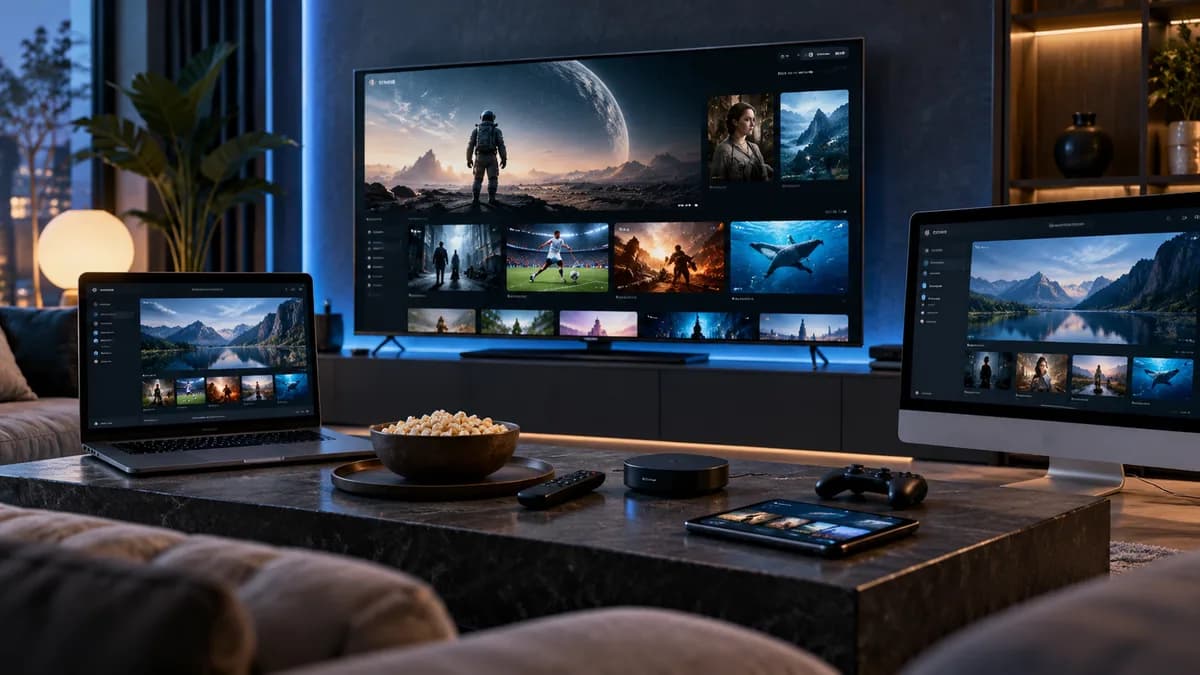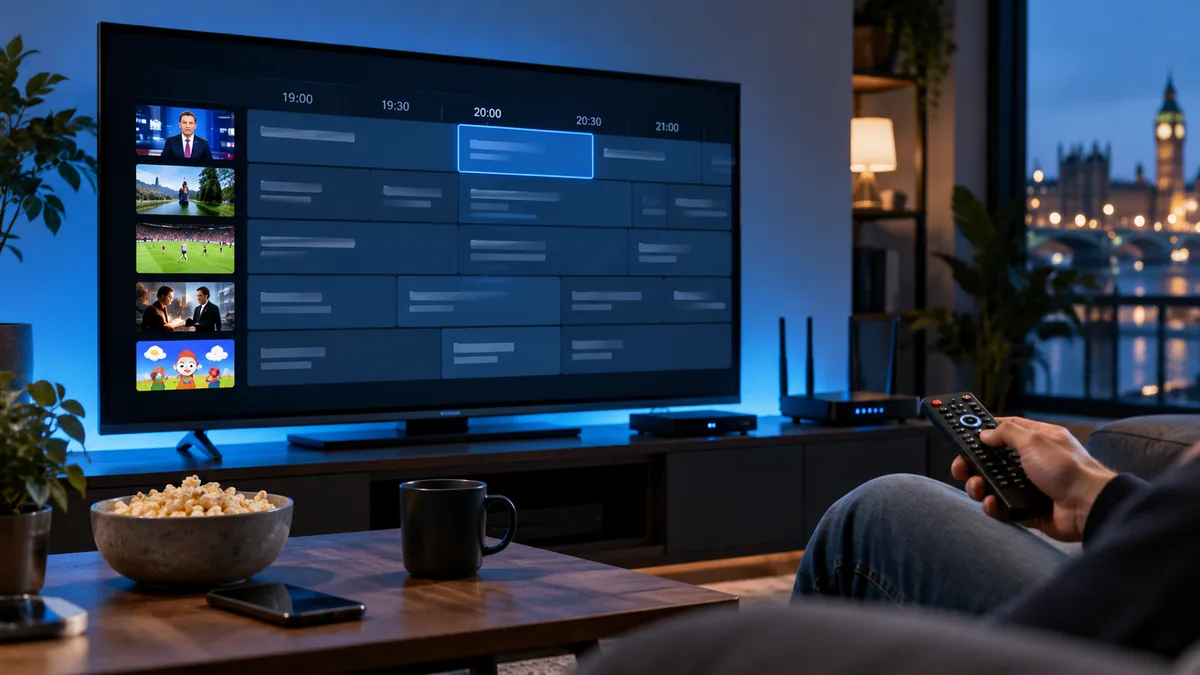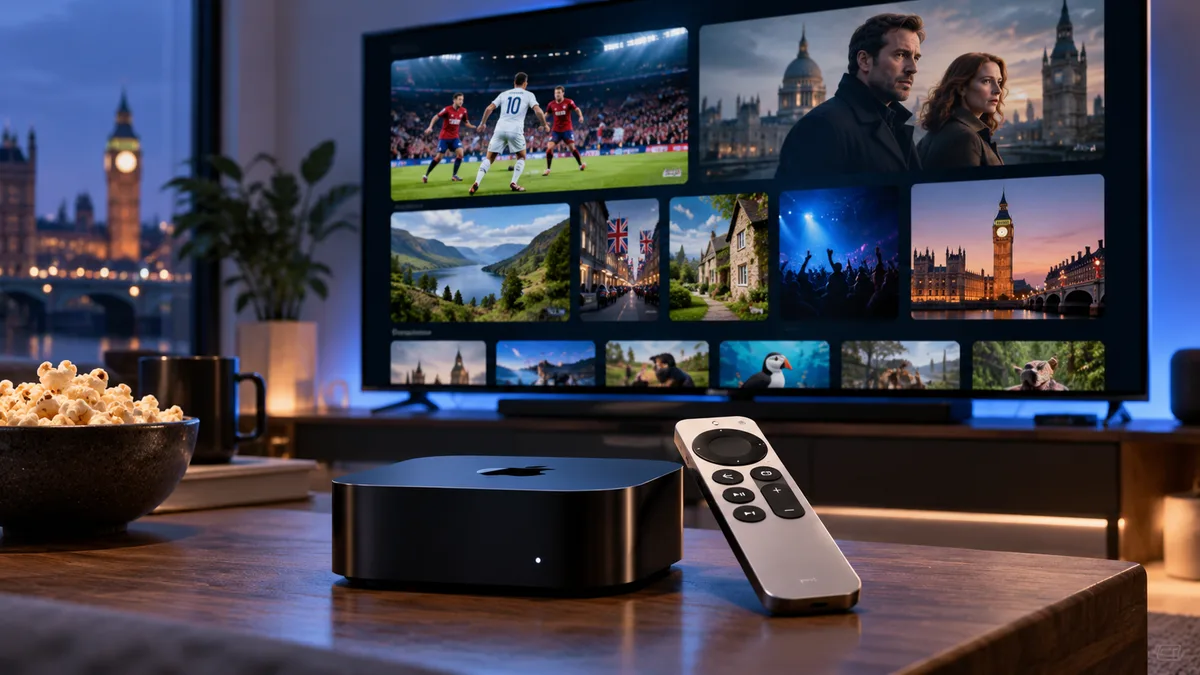
Apple TV 4K is fast, reliable and receives software updates for years, which makes it an excellent IPTV device — particularly for 4K HDR sport and films. The one difference from Android is that apps must come from the App Store, so the choice of players is a little smaller.
What is IPTV on Apple TV?
You install a player app from the tvOS App Store and sign in with your IPTV details (Xtream Codes or M3U). The app shows live channels, the TV guide and on-demand content.
Why Apple TV is a premium choice
- Performance: quick channel switching and smooth guides.
- Picture quality: excellent 4K HDR, Dolby Vision and frame-rate matching.
- Ethernet on the higher-storage model for rock-solid connections.
- Long support life and no adverts on the home screen.
Apple TV vs Firestick vs Android TV box
| Apple TV 4K | Fire TV Stick 4K | Android TV box | |
|---|---|---|---|
| Price | Higher | Low | Low–high |
| Speed | Excellent | Good | Good–excellent |
| App choice | App Store only | Wide (Downloader) | Widest |
| Ethernet | Some models | Adapter | Usually built in |
| TiviMate | No | Yes | Yes |
How to set up IPTV on Apple TV
- Update tvOS: Settings → System → Software Updates.
- Open the App Store and search for your chosen player (see below).
- Install and open the app. Choose to add a playlist or Xtream Codes account.
- Enter your details. Many apps let you type them on your iPhone via a QR code or web page — much easier than the remote.
- Load the guide. Add the EPG URL if the app doesn't fetch it automatically.
Best IPTV players for Apple TV
1. iPlayTV
Polished interface, fast guide, supports Xtream Codes and M3U. One-off purchase.
2. IPTVX
Modern design, multiple playlists and good EPG handling, available across Apple devices.
3. IPTV Smarters Player
Familiar layout if you also use Smarters on other devices. See our Smarters guide.
4. VLC for Apple TV
Free and capable for M3U playlists, though it lacks a full TV guide. See VLC IPTV.
Performance tips
- Use Ethernet if your model has it, or 5 GHz Wi-Fi.
- Set Match Content → Dynamic Range and Frame Rate to on for the best picture.
- Close and reopen the player if the guide becomes sluggish.
Common Apple TV IPTV issues
- Buffering: check speed in Settings → Network; see buffering fixes.
- Black screen on a channel: try another player — some streams use formats an app may not support.
- Empty guide or wrong times: refresh the EPG and check time-zone offsets — timezone guide.
- App crashes on large lists: hide channel groups you don't need.
- Audio out of sync: switch the audio track or turn off "Match frame rate" for that channel — see audio tracks.
Try it on your Apple TV
Request a free 24-hour trial and test a 4K channel on your Apple TV before choosing a plan.