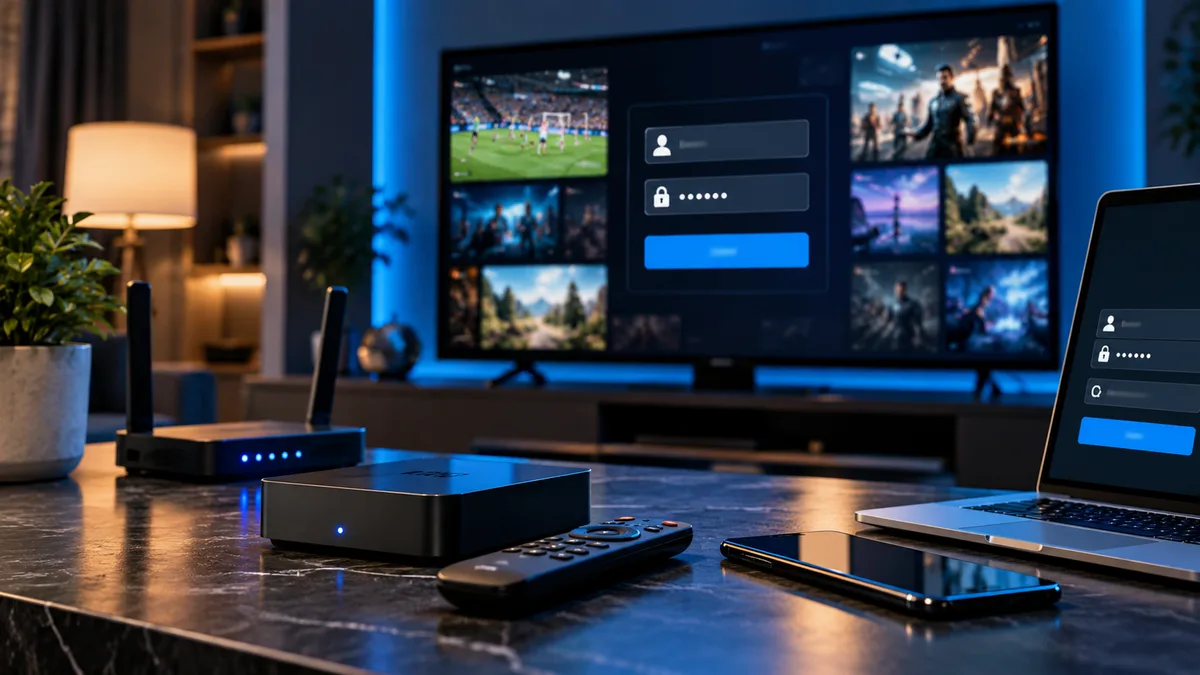
Most IPTV apps ask for three things: a server URL, a username and a password. Together they're known as an Xtream Codes login.
Where your login comes from
When your trial or plan is activated, we generate your username and password and send them with the server URL by WhatsApp and email.
Where to enter your details
| App | Where |
|---|---|
| IPTV Smarters | Login with Xtream Codes API |
| TiviMate | Add playlist → Xtream Codes |
| XCIPTV | Xtream Codes login screen |
| GSE Smart IPTV | Xtream Codes API |
| iPlayTV / IPTVX (Apple) | Add playlist → Xtream |
What is the server URL?
The address of the server, such as http://server.example.com:8080. See IPTV URL explained.
Common login problems
- Invalid credentials: copy and paste; check capitals.
- Extra spaces after pasting.
- Missing port — see port numbers.
- Expired plan: renew.
- Max connections: see connection limits.
Username/password vs M3U URL
The M3U URL contains your username and password inside one link. Use it for apps that only accept playlists. See M3U IPTV.
Setting up on multiple devices
Use the same details everywhere. Only simultaneous streams count towards your limit.
Lost your details?
Contact support with the email you used and we'll resend them.
Security tips
- Don't share your login outside your household.
- Avoid posting screenshots.
- Ask for new details if you suspect sharing.
Get your login
Request a free trial — details arrive within minutes during support hours. More help: IPTV login guide.