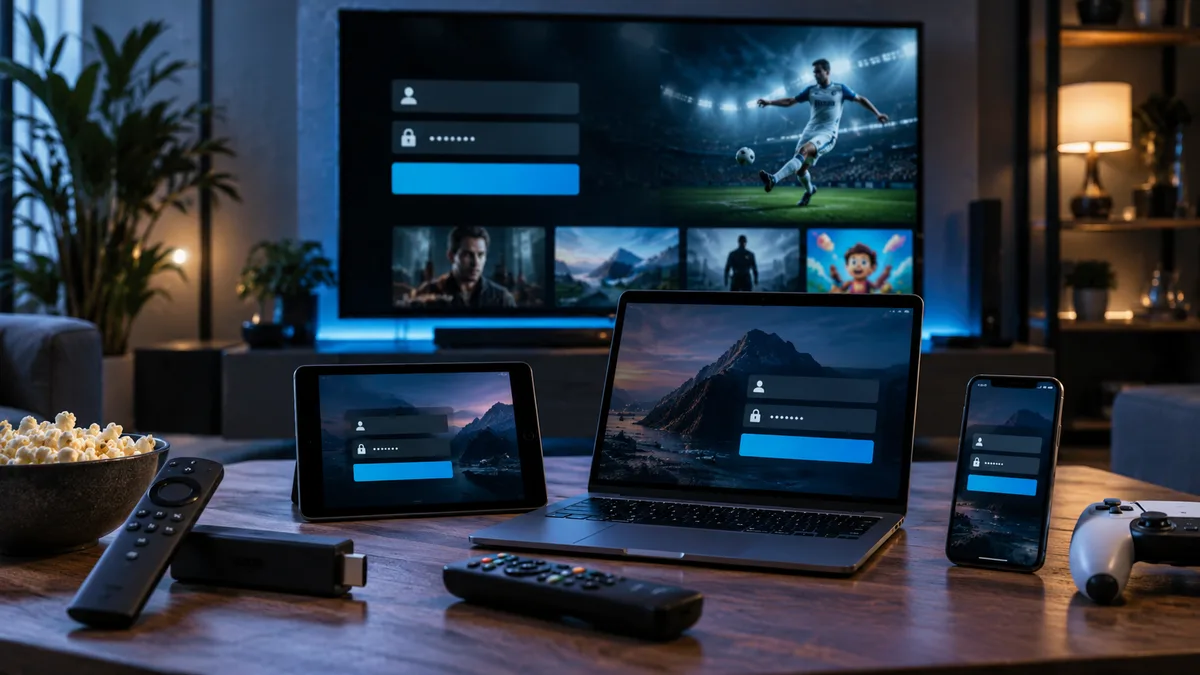
Activation is the moment your subscription goes live. With most IPTV services it's simple: you receive login details and enter them into a player app. Here's what to expect.
What happens during IPTV activation?
When your order is confirmed, an account (often called a "line") is created on the provider's system with your plan length and connection limit. Your login details are generated and sent to you. Nothing needs to be installed on your router or TV aerial.
What you'll receive
Depending on your device, you'll get one or more of these:
| Login type | What it looks like | Used by |
|---|---|---|
| Xtream Codes | Server URL, username, password | IPTV Smarters, TiviMate, XCIPTV |
| M3U URL | A single long web address | VLC, Kodi, most players |
| EPG URL | XMLTV guide address | Players that need the guide added separately |
| MAG portal | Portal URL linked to your MAC | MAG and Formuler boxes |
Learn more about Xtream Codes and M3U playlists.
Activating on a Firestick
- Install IPTV Smarters or TiviMate using Downloader — see the Firestick guide.
- Open the app and choose Login with Xtream Codes API.
- Enter any profile name, then your username, password and server URL exactly as sent.
- Wait for live TV, films and series to load. The first load can take a minute.
Activating on a Smart TV
- Install a supported player from the Samsung or LG app store.
- If the app shows a MAC address and device key, send them to us — we'll activate the device and add your playlist.
- Otherwise, enter your Xtream Codes or M3U details in the app's settings.
See IPTV on Smart TV and the MAC address guide.
Common activation issues and quick fixes
- "Invalid username or password": copy and paste rather than typing; check for spaces and capital letters.
- "Unable to connect" / server error: make sure the server URL includes
http://and the port number if one was given. - Channels load but don't play: restart the app and your router; try a different channel group.
- No TV guide: wait a few minutes, then refresh the EPG in settings.
Still stuck? Our IPTV not working guide covers more fixes, or message support.
Activating on multiple devices
Sign in on each device with the same details. Your plan sets how many can stream at once — see connection limits.
How IPTV activation differs from other streaming services
Unlike Netflix or NOW, where the provider makes the app, IPTV services work with third-party players. That's why activation means entering details into an app of your choice rather than signing up inside one.
Test your connection after activation
Watch an HD channel for a few minutes, then a 4K one if available. If you see buffering, check our buffering guide before assuming there's a fault.
When your subscription expires
The app will stop playing and may show "expired" or "account disabled". Renew and your existing details usually start working straight away — no need to set up again.