"IPTV code" is a catch-all phrase. Depending on the app or device, it can mean a username and password, a server address, an activation key or a MAC-based device key. This guide untangles them.
What is an IPTV code?
It's the information your player app needs to connect to your subscription. It proves your account is active and tells the app where to find your channels.
Types of IPTV codes
| Code type | What it contains | Where it's used |
|---|---|---|
| Xtream Codes login | Server URL + username + password | Smarters, TiviMate, XCIPTV |
| M3U URL | One long web address | VLC, Kodi, most players |
| Activation code | Short code entered in a branded app | Some providers' own apps |
| MAC + device key | Your device's ID, registered by the provider | IBO-style Smart TV apps, MAG boxes |
Where to find your code
After your order or free trial is approved, we send your details by WhatsApp and email. Keep that message safe — you'll need it for every new device.
How to enter your code
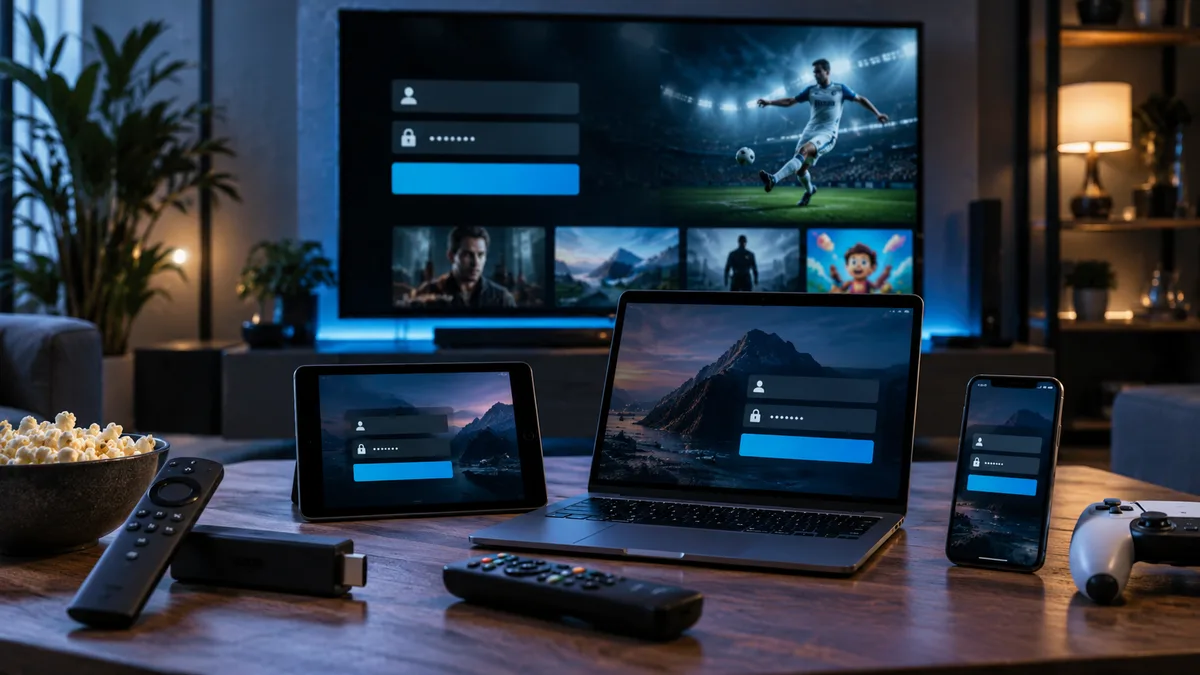
- Firestick / Android: open IPTV Smarters or TiviMate → Add user/playlist → Xtream Codes → enter the details. Full Firestick guide.
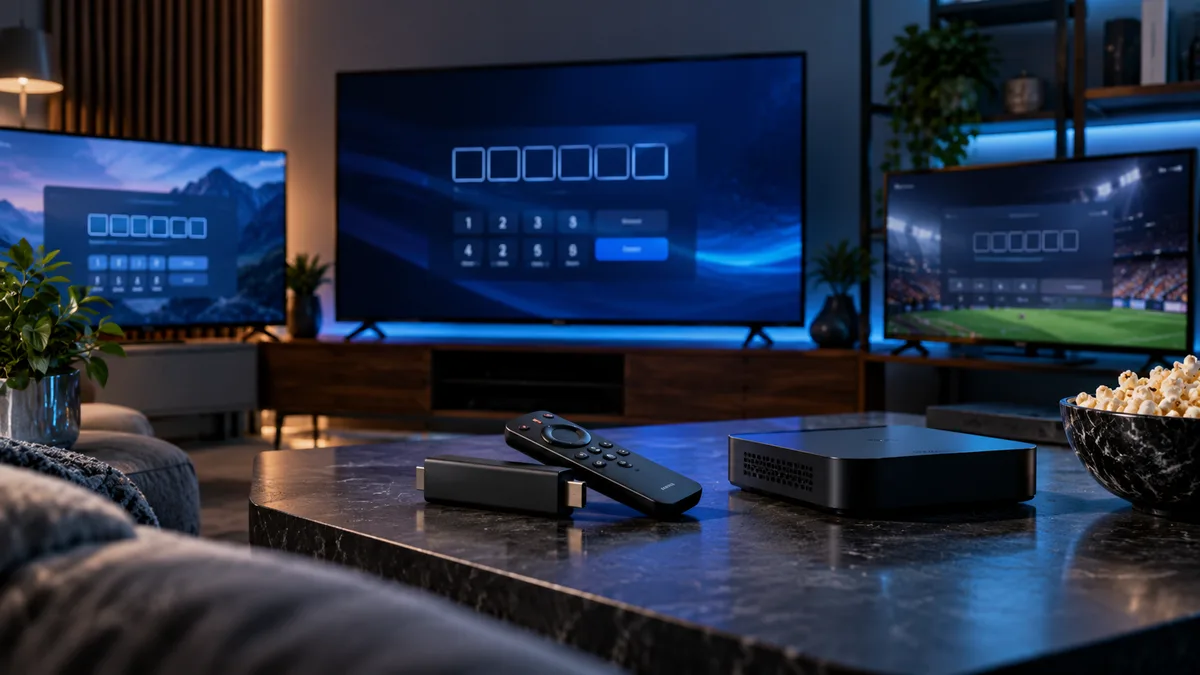
- Smart TV apps with a MAC address: send us the MAC and device key shown on screen; we activate it remotely. MAC address guide.
- MAG boxes: enter the portal URL in the box settings after we register your MAC. MAG guide.
Access code vs M3U URL
An Xtream Codes login lets the app fetch live TV, films, series and the guide automatically. An M3U URL is a single playlist and may need a separate EPG link. Prefer Xtream Codes where your app supports it — see Xtream Codes explained.
Common code problems
- Typos: copy and paste; codes are case-sensitive.
- Missing
http://or port number in the server address. - Extra spaces at the end when pasting.
- Expired subscription: renew and the same code usually works again.
Using your code on multiple devices
Sign in on as many devices as you like; only those streaming at the same time count towards your connection limit.
Keep your code safe
Don't post it online or share it outside your household. Shared codes hit the connection limit, cause errors and may be disabled.
If your code stops working
Check your expiry date, restart the app, re-enter the details and then message support with your device and the exact error message.